
FASTag Balance Check Online Instantly
Check FASTag balance with vehicle number in seconds. Know your remaining balance and avoid low-balance surprises on the road.

Have some doubts? Let’s clear them
Why choose
Park+

Choose Park+ for a smarter driving experience. FASTag management, parking, insurance and more.
1 Cr+
Happy customers
1000+
tolls
Coverage
15 Lakh+
monthly FAstag Recharge
About FASTag Balance
A FASTag balance check helps you see how much money is available in your FASTag account and whether it is enough to cover upcoming toll charges. With Park+, you can do a FASTag balance check by vehicle number, track toll deductions and know when to recharge.
FASTag uses Radio Frequency Identification (RFID) technology to deduct toll charges automatically as your vehicle passes through a toll plaza. Checking your balance regularly helps you monitor toll expenses, identify when balance is running low and avoid payment issues during your journey.
Documents Required to Check FASTag Balance Online
You generally do not need any documents to check your FASTag balance online. The information required depends on the method you use and your FASTag issuer.
- Vehicle Registration Number (VRN): Park+ lets you check the available balance by just a vehicle number.
- Registered Mobile Number: Required for methods such as the NHAI prepaid wallet missed-call service and for verification where applicable.
- FASTag Account Details: Your issuing bank or service provider may require you to sign in to its app or portal to view the exact balance.
Importance of FASTag Balance Check
Here are the primary reasons why routine FASTag balance monitoring is necessary for vehicle owners: Plan Long-Distance Journeys Check your FASTag balance before a long journey to know your available balance for toll payments along the route. Review the expected toll charges and account for multiple toll crossings when planning your travel budget. This helps you prepare for highway travel expenses in advance.
Avoid Double Toll Charges An inactive FASTag or insufficient balance may cause toll payment failure. At applicable National Highway fee plazas, vehicles without a valid, functional FASTag may be charged double the toll fee when paying in cash. Check your FASTag balance before travelling to avoid payment issues and additional charges.
Monitor FASTag Usage Review your FASTag transaction history to track when and where toll charges are deducted. This is particularly useful when a vehicle is shared among family members or used by multiple drivers. Regular monitoring helps you understand account activity and identify unexpected usage.
Verify Toll Refunds If a toll charge is reversed or a refund is initiated, check your FASTag account to confirm whether the amount has been credited. If the balance does not reflect the expected adjustment, review the transaction details and contact your issuer.
Confirm Account Details After Vehicle or Tag Changes If you replace a FASTag or update the details linked to your vehicle, check the relevant account to confirm you are viewing the correct tag information. Contact the issuer if the vehicle or account details do not match.
Why Every Vehicle Owner Needs a FASTag?
FASTag simplifies toll payments by allowing vehicles to pass through electronic toll plazas without stopping to pay in cash.
Here are the key benefits of using FASTag for regular and occasional journeys:
Faster Toll Payments with Less Waiting FASTag enables automatic toll deductions at equipped plazas, reducing the need to stop and make cash payments. This can help vehicles move through toll lanes more efficiently, particularly during busy travel periods.
Reduced Fuel Consumption During Toll Stops Frequent stops and restarts can increase fuel consumption, especially when traffic is heavy. FASTag helps reduce the need for vehicles to stop for a longer time, which may limit unnecessary idling at toll plazas.
Compliance with Applicable Toll Payment Rules FASTag is the prescribed electronic toll payment method at National Highway for covered vehicle categories, subject to applicable exemptions and rules. Keeping a valid, functional FASTag helps drivers avoid payment complications at toll booths
Balance Alerts for Better Travel Planning FASTag issuers may send SMS alerts about toll deductions, low balances and recharge transactions to the registered mobile number. These notifications help vehicle owners monitor their accounts and recharge before a journey when required.
How to Check FASTag Balance With Vehicle Number?
Performing a FASTag balance enquiry allows you to track balance instantly and prevent penalty charges at toll plazas. Park+ provides a quick way for a FASTag balance check online by using just your Vehicle Registration Number (VRN).
Follow these steps to complete the check:
- Go to Park+: Visit Park+ and sign in using your registered mobile number.
- Navigate to FASTag: Tap the FASTag service on the screen.
- Choose FASTag Balance: Click on Check Balance option and enter your vehicle number to know the remaining balance.
- View Balance: Your available FASTag balance will display on the screen.
Note: You can also explore FASTag recharge and Buy FASTag directly through Park+.
Check FASTag Balance on Park+ for Major Banks
Park+ brings FASTag services for users across multiple banks and payment providers, including HDFC Bank, SBI, Axis Bank, IDBI Bank, IDFC FIRST Bank, Bajaj Finserv, Airtel Payments Bank and LivQuik. Enter your vehicle details on the Park+ FASTag service to check the balance.
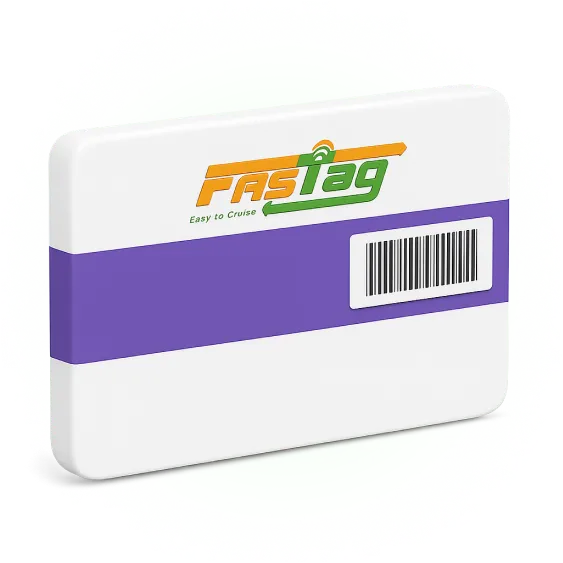
How to Check FASTag Balance Online
A quick online FASTag balance check prevents bad experiences - toll delays, paying double toll charges, FASTag blacklisting, etc.

 Access ‘Check Balance’ section
On Park+, select the ‘FASTag’ section followed by the ‘Check Balance’ option (if not selected already).
 Provide vehicle details
Enter the vehicle registration number carefully and click on ‘Check Balance’.
 Review the balance
Check the available balance in FASTag and recharge if required.













Why check your FASTag balance?

Avoid Hassles
FASTag balance check helps avoiding toll hassles, paying penalties, etc.

Track Toll Spending
Monitor your toll deductions and verify the amount charged.
Timely recharge
Check your FASTag balance regularly and recharge before your balance runs low.

Plan Your Travel Budget
Estimate travel costs and plan your journey budget more effectively.
Manage your FASTag
From tolls to parking, manage everything effortlessly with FASTag!



How to Check FASTag Balance by Vehicle Number Through Official Government Methods?
Here are the official methods to check your account balance through government-backed channels:
- Via Missed Call Service (For NHAI FASTag Wallets) Give a missed call from your registered mobile number to +91-8884333331,the official FASTag balance check number. You will instantly receive an SMS containing your current balance and account status.
- Using the Official "My FASTag" App The My FASTag app, developed for FASTag users by NHAI/IHMCL, includes a feature to check FASTag balance status using a vehicle registration number
- Download the app: Download the “My FASTag” app from the Play Store or App Store.
- Enter vehicle details: Open the app and follow the instructions to enter your vehicle registration number.
- Check the status: View the available FASTag balance status. The status feature uses colour indicators to show whether a tag is active with sufficient balance, has a low balance or is blacklisted.
Why is Your FASTag Balance Not Showing?
Here are five common reasons why your FASTag balance is not showing and how to fix them:
- Typing Errors in Vehicle Number Entering an incorrect vehicle registration number can prevent the system from retrieving the relevant FASTag details. Check for any typing errors and ensure the number matches your vehicle’s registration certificate. If the details are correct but the balance still does not appear, try checking through your FASTag issuer's official app or portal.
- Temporary Technical Issues Website downtime, or server disruptions can prevent balance information from loading. If a FASTag check fails or the page remains blank, try again after some time. You can also update the app, check your internet connection or use the issuer's official website to access your account information.
- Inactive or Blacklisted FASTag A FASTag that has been deactivated, suspended or blacklisted may not display the expected account information through certain services. Such issues can arise due to insufficient balance, incomplete verification or other account-related restrictions. Contact the issuing bank or service provider to confirm the tag's status and resolve any outstanding issues.
- FASTag Linked to a Different Vehicle or Account If the FASTag is registered against another vehicle or linked to different account details, the balance may not match the vehicle you are checking. This can happen when a tag is replaced or vehicle details are entered incorrectly. Verify the vehicle registration number and FASTag account details with the issuing bank. If the tag is linked to the wrong vehicle, request the issuer's assistance to correct the records.
- Delayed Balance Updates After a Recharge or Toll Deduction A recent recharge or toll transaction may take time to reflect because of processing or system-update delays. Check the transaction status and payment confirmation before attempting another recharge. If the amount has been deducted but the balance remains unchanged, contact the issuing bank or payment provider with the transaction reference number.
- Issue Still Persists? - Contact the NHAI 1033 Helpline If your FASTag balance is not showing or a toll deduction appears incorrect, call 1033, the National Highways helpline, for assistance with FASTag-related issues. Explain the problem and provide your vehicle details or transaction information, if requested, so the support team can help identify the issue and guide you on the next steps.
Why Choose Park+ for FASTag Balance Check?
Checking your FASTag balance, reviewing toll transactions and accessing related services should not require navigating multiple platforms. With mobile access, support for multiple issuers and additional cashless services, Park+ offers vehicle owners a convenient way to manage their FASTag requirements.
- Simple Vehicle Number-Based Check: Check your FASTag balance by entering your vehicle registration number. You do not need to search through multiple portals to find the balance, making it easier to access the information you need.
- Quick Access Through App or Website: Use Park+ through its app or website to access supported FASTag balance check service. This gives you a convenient way to check your balance when you need to plan a recharge or review your toll payment funds.
- Saves Time: Find your FASTag balance in a few simple steps in just few seconds instead of navigating through multiple menus or searching for your bank's balance enquiry service.
- Supports Better Toll Expense Tracking: Park+ FAStag balance check helps you check available balance regularly to stay aware of the balance for toll payments and plan future recharges accordingly.
Regular FASTag balance checks help you track toll deductions, verify account activity and identify when your account needs attention. Use Park+ to check your balance where supported, or access your issuing bank’s official channels for account details. Keeping track of your FASTag status helps you manage toll payments and address discrepancies before your next journey.
FAQs- Check FASTag Balance
How to check FASTag balance with vehicle number on the Park+?
Open the Park+ and navigate to the FASTag service. Select FASTag Balance Check option and provide your vehicle number to view the tag balance.
How to check balance in FASTag?
You can check your FASTag balance through Park+ by entering your vehicle number. Alternatively, you can also check your balance through your issuing bank’s mobile app, official authorised website or customer care service.
Can I check FASTag balance using only my vehicle registration number?
Yes. Park+ allows you to retrieve real-time account balances across major issuing banks by entering your Vehicle Registration Number (VRN).
Is it possible to perform a FASTag balance check without an internet connection?
Yes. If your tag is linked to an NHAI wallet, you can give a missed call to +91-8884333331 from your registered mobile number to receive your balance details via SMS.
Why is my FASTag balance status showing as "Blacklisted"?
A FASTag is flagged as "Blacklisted" or "Suspended" when the account balance falls below the minimum required threshold, dips into a negative balance, or has pending KYC verification with the issuing bank. Recharging the wallet or completing KYC resolves this issue.
How does a FASTag Annual Pass differ from a regular FASTag balance?
A standard FASTag balance operates as a pay-as-you-go wallet, deducting specific toll charges per trip. A FASTag Annual Pass is a fixed-fee pass designed for frequent commuters on designated National Highway plazas under NHAI rules and validity terms.
FASTag Annual Pass
One payment. Hassle-free toll travel all year.
FASTag Annual Pass
Latest car FASTag guides & updates

ICICI FASTag Login with Mobile Number: Step-by-Step Guide
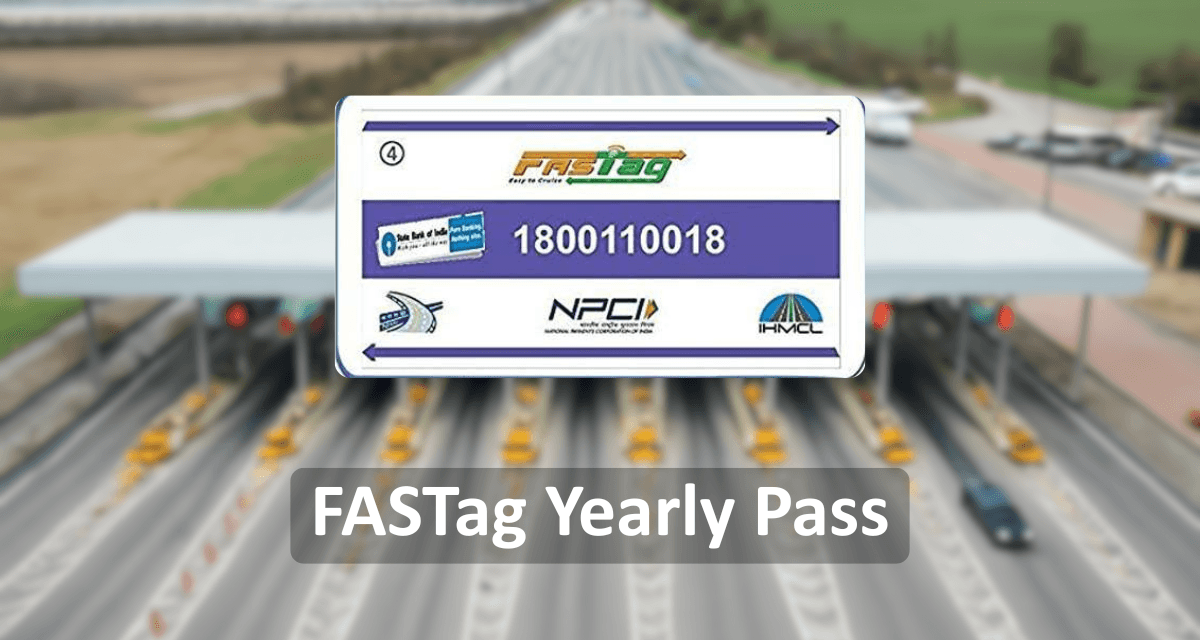
FASTag Annual Pass - Introduction, Benefit & Charges

How to Update SBI FASTag KYC Online: Step-by-Step Process & Rules

Axis Bank FASTag Customer Care – Get Quick Support & Assistance

FASTag Replacement: How to Replace a Damaged or Lost Tag
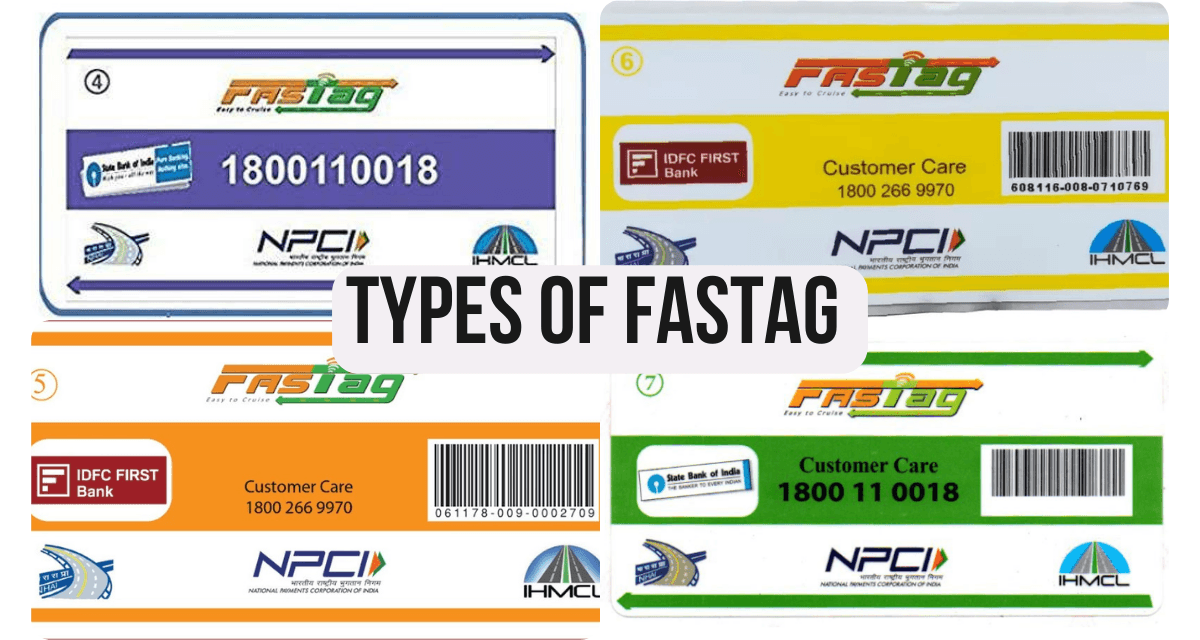
Types of FASTag in India, From VC4 to VC16 and the One Your Vehicle Needs

SBI FASTag Customer Care Number & Email ID for 24x7 Support
FASTag Monthly Pass: Cost, Eligibility, Benefits & How to Apply