

Why choose
Park+

Choose Park+ for a smarter driving experience. FASTag management, parking, insurance and more.
1 Cr+
Happy customers
1000+
tolls
Coverage
15 Lakh+
monthly FAstag Recharge
What Is FASTag and How Does It Work?
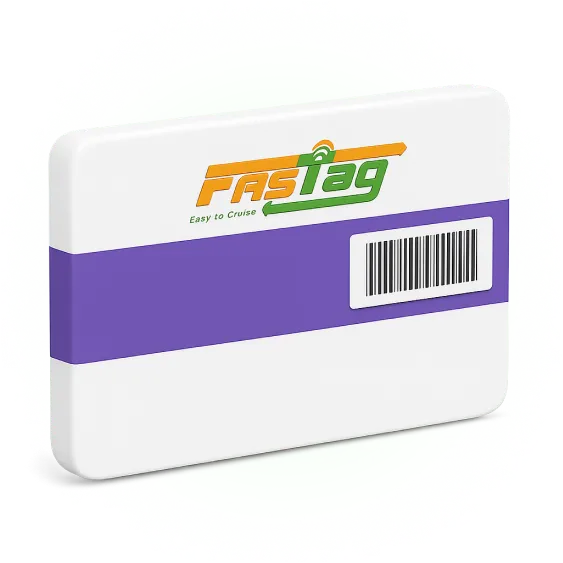
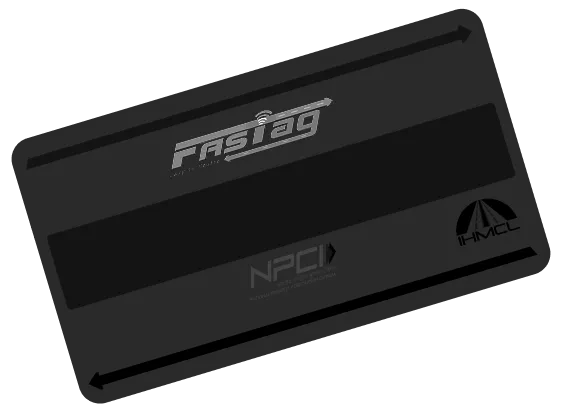
FASTag is an electronic toll collection system in India that enables cashless payments at toll plazas. It uses RFID (Radio Frequency Identification) technology and is affixed on the vehicle’s windscreen.
When a vehicle passes through a toll plaza, the FASTag is scanned automatically, and the toll amount is deducted from the linked prepaid account. This helps reduce waiting time and ensures seamless travel across highways.
As per government guidelines, FASTag is mandatory for all vehicles in India, making toll payments faster and more efficient.
What is a NETC FASTag?
NETC (National Electronic Toll Collection) is a unified national payment system developed by the NPCI. A NETC FASTag is a tag that operates on this network, ensuring interoperability across India. This means a single tag issued by any authorized partner bank (like SBI, HDFC, or ICICI) works seamlessly at all toll plazas across national and state highways, removing the need for cash transactions.
To further improve the experience of drivers and benefit frequent travelers across the country, the FASTag Annual Pass was brought into operation on August 15, 2025. The yearly pass allows non-commercial vehicles to enjoy journeys throughout the year with one-time payments of just ₹3000 or cover up to 200 trips, whichever comes first. Within just 2 months of its launch, around 5.67 crore transactions have been recorded for the yearly pass with nearly 25 lakh users.
FASTag updates 2026
The Government of India has made toll collection fully digital to promote faster and cashless travel across National Highways.
FASTag Annual Pass Fee Revised: NHAI has revised the FASTag Annual Pass fee from ₹3,000 to ₹3,075 for FY 2026–27, effective 1 April 2026
From April 10, 2026, cash payments at National Highway toll plazas have been discontinued, making FASTag the primary mode of toll payment.
Vehicles without a valid FASTag can still pay through UPI, but at a higher toll charge.
Features of the National Electronic Toll Collection (NETC) FASTag
Redefining travel across the nation, NETC FASTag carries loads of amazing features, out of which a few are:
One Tag, All Roads: Paving the way for the new age highways, the government launched and mandated that every vehicle have a FASTag. A FASTag works for a single vehicle and is valid across several toll plazas.
Nationwide Interoperability: The standardized process lets drivers use FASTag to cross multiple toll plazas across the country.
Real-time Information: With FASTag, drivers can get real-time updates about balance and other crucial information, promoting greater transparency and smooth travel.
Hassle-free Digital Payments: NETC FASTag lets drivers make easy and quick payments at the toll plazas, reducing the hassle of waiting and cash payments.
Functionalities of the National Electronic Toll Collection (NETC) FASTag
According to the government regulations, every vehicle is required to have a FASTag. In addition to providing the convenience of cashless payments, FASTag offers several other benefits as well.
The other great benefits that FASTag carries are:
Quick Digital Payments: FASTag is linked to a prepaid bank account, making toll payments easy, smooth, quick, and secure on the go.
Reduced Waiting Queues: Automatic toll payments through NETC FASTag help reduce the long waiting lines and traffic congestion.
Improves Time and Fuel Efficiency: With reduced waiting lines, NETC FASTag also benefits from saving time and fuel.
How to Buy FASTag Online on Park+
Park+ has simplified the journey of FASTag buy, adding ease to the lives of the daily commuters/travelers. Individuals have to perform a couple of simple actions to make a purchase.
"Here are the easy steps to buy FASTag online"
Step 1: Go to the FASTag section on Park+.
Step 2: Click on the “Buy FASTag” tab and then click on the “Buy Now” button.
Step 3: Log in and add your delivery address carefully.
Step 4: Complete the payment via UPI, debit card, or credit card to finish your FASTag purchase.
How to Activate FASTag Through Park+ App – Step-by-Step Guide
Once you have buy FASTag online another step is to get the tag activated as soon as possible. FASTag can be used for cashless toll payments only after its activation.
Here’s how to activate your FASTag on Park+ in 60 seconds:
Step 1: Open the Park+ mobile app.
Step 2: Navigate to the ‘FASTag’ section and select ‘Activate FASTag’.
Step 3: Tap ‘Activate’ and scan the barcode on your FASTag.
Step 4: You can either enter the details manually, depending on your convenience.
Step 5: Click ‘Submit’ to complete activation. Your FASTag is now ready for use at toll plazas.’.
Recharge FASTag Online with Top Banks & Providers
Park+ support all major banks and payment providers, such as : HDFC Bank FASTag Recharge, Bajaj Finserv FASTag Recharge, SBI FASTag Recharge, Axis Bank FASTag Recharge, IDBI FASTag Recharge, IDFC First Bank FASTag Recharge, Airtel Payments Bank FASTag Recharge and LivQuik FASTag Recharge
What is the Validity of my FASTag?
The FASTag issued via Park+ is generally valid for 5 years from the date of activation, after which it needs to be replaced. Meanwhile, individuals can perform the FASTag recharge online process as and when required, depending on their travel. The tag’s functionality depends on the electronic chip; thus, if the FASTag gets physically damaged, you can request for its replacement.
Which all Toll Plazas accept FASTag?
FASTag is operational at many toll plazas, including state and national highways in India, usually the ones that are a part of the NETC Program. However, some passes, such as the FASTag Monthly Pass or Yearly Pass, are valid at some specific toll plazas. The PIB (Press Information Bureau) released on October 24, 2025, states ‘the annual pass is valid on around 1,150 fee plazas on National Highways and Expressways across the country’.
Aiming to further improve the entire system, the government has amended the National Highways Fee Rules, 2008, effective November 15, 2025, to push digital payments. Under this, the non-FASTag users will pay double the toll charges and those opting for the UPI payment will pay 1.25x the toll charges. To avoid paying more charges, regularly perform a FASTag balance check and recharge it as and when required.

Why FASTag Is Mandatory

Mandatory as per government guidelines
Government mandates FASTag for all vehicles, ensuring seamless travel.

Improved transparency and convenience
FASTag ensures transparent tolls and hassle-free contactless travel.

Reduced hassle & traffic congestion
FASTag automates tolls, reducing wait times and congestion.

For seamless car insurance and PUCC
FASTag ensures smooth car insurance and PUCC renewals.





What are the benefits of FASTag?
FASTag saves time, reduces fuel use, and makes your travel smoother with easy, cashless toll payments.
 Save fuel & time
Zip through the tolls without wasting time & fuel
 No cash just FASTag
Make quick and cashless payments at tolls and parkings
 Seamless recharge at fingertips
Enjoy quick & easy FASTag recharge for hassle-free travel
 Manage FASTag your way
Buy, activate, recharge, monitor transactions and more
Documents required for FASTag registration
Keep the following documents ready to ensure a quick and hassle-free FASTag registration process.
 Vehicle’s RC
Proof of vehicle ownership for FASTag registration.
 Valid ID Proof
Authorised documents to confirm your identity.
 Valid Address proof
A valid document to verify the address.
 Recent passport-size photograph
Provide a clear, recent photo for verification purposes.
Manage Everything with FASTag – Recharge, Buy & Annual Pass
From tolls to parking, manage everything effortlessly with FASTag!




Check Petrol Prices State-Wise
Petrol Price in Andaman Nicobar
Petrol Price in Andhra Pradesh
Petrol Price in Arunachal Pradesh
Petrol Price in Assam
Petrol Price in Bihar
Petrol Price in Chandigarh
Petrol Price in Chhatisgarh
Petrol Price in Dadra Nagarhaveli
Petrol Price in Daman & Diu
Petrol Price in Delhi
Petrol Price in Goa
Petrol Price in Gujarat
Petrol Price in Haryana
Petrol Price in Himachal Pradesh
Petrol Price in Jammu & Kashmir
Petrol Price in Jharkhand
Petrol Price in Karnataka
Petrol Price in Kerala
Petrol Price in Madhya Pradesh
Petrol Price in Maharashtra
Petrol Price in Manipur
Petrol Price in Meghalaya
Petrol Price in Mizoram
Petrol Price in Nagaland
Petrol Price in Odisha
Petrol Price in Pondicherry
Petrol Price in Punjab
Petrol Price in Rajasthan
Petrol Price in Sikkim
Petrol Price in Tamil Nadu
Petrol Price in Telangana
Petrol Price in Tripura
Petrol Price in Uttar Pradesh
Petrol Price in Uttarakhand
Petrol Price in West Bengal
Check Diesel Prices State-Wise
Diesel Price in Andaman Nicobar
Diesel Price in Andhra Pradesh
Diesel Price in Arunachal Pradesh
Diesel Price in Assam
Diesel Price in Bihar
Diesel Price in Chandigarh
Diesel Price in Chhatisgarh
Diesel Price in Dadra Nagarhaveli
Diesel Price in Daman & Diu
Diesel Price in Delhi
Diesel Price in Goa
Diesel Price in Gujarat
Diesel Price in Haryana
Diesel Price in Himachal Pradesh
Diesel Price in Jammu & Kashmir
Diesel Price in Jharkhand
Diesel Price in Karnataka
Diesel Price in Kerala
Diesel Price in Madhya Pradesh
Diesel Price in Maharashtra
Diesel Price in Manipur
Diesel Price in Meghalaya
Diesel Price in Mizoram
Diesel Price in Nagaland
Diesel Price in Odisha
Diesel Price in Pondicherry
Diesel Price in Punjab
Diesel Price in Rajasthan
Diesel Price in Sikkim
Diesel Price in Tamil Nadu
Diesel Price in Telangana
Diesel Price in Tripura
Diesel Price in Uttar Pradesh
Diesel Price in Uttarakhand
Diesel Price in West Bengal
Check CNG Prices State-Wise
CNG Price in Andaman Nicobar
CNG Price in Andhra Pradesh
CNG Price in Arunachal Pradesh
CNG Price in Assam
CNG Price in Bihar
CNG Price in Chandigarh
CNG Price in Chhatisgarh
CNG Price in Dadra Nagarhaveli
CNG Price in Daman & Diu
CNG Price in Delhi
CNG Price in Goa
CNG Price in Gujarat
CNG Price in Haryana
CNG Price in Himachal Pradesh
CNG Price in Jammu & Kashmir
CNG Price in Jharkhand
CNG Price in Karnataka
CNG Price in Kerala
CNG Price in Madhya Pradesh
CNG Price in Maharashtra
CNG Price in Manipur
CNG Price in Meghalaya
CNG Price in Mizoram
CNG Price in Nagaland
CNG Price in Odisha
CNG Price in Pondicherry
CNG Price in Punjab
CNG Price in Rajasthan
CNG Price in Sikkim
CNG Price in Tamil Nadu
CNG Price in Telangana
CNG Price in Tripura
CNG Price in Uttar Pradesh
CNG Price in Uttarakhand
CNG Price in West Bengal
FASTag FAQs
Is FASTag mandatory?
What to do if a FASTag gets backlisted?
How to activate blacklisted FASTag ?
What to do when FASTag is not working at toll?
Can I use my FASTag for fuel payments?
Does FASTag help in saving fuel?
Can I use the FASTag for another vehicle, other than the one I bought the tag for?
Is KYC mandatory to get a FASTag?
What is KYV and is it important?
How does FASTag system work?
How to check FASTag balance?
You can simply check your FASTag balance through your Park+ App & Website.
- Click on 'FASTag' button from the bottom of the home screen
- Click on ‘Recharge FASTag’ and search for your FASTag issuer bank or can select FASTag issuer bank from the list given below
- Then enter your vehicle number
- You'll be able to see the available FASTag balance on the top-right of the recharge screen
Latest FASTag Blogs
ICICI FASTag Login with Mobile Number: Step-by-Step Guide
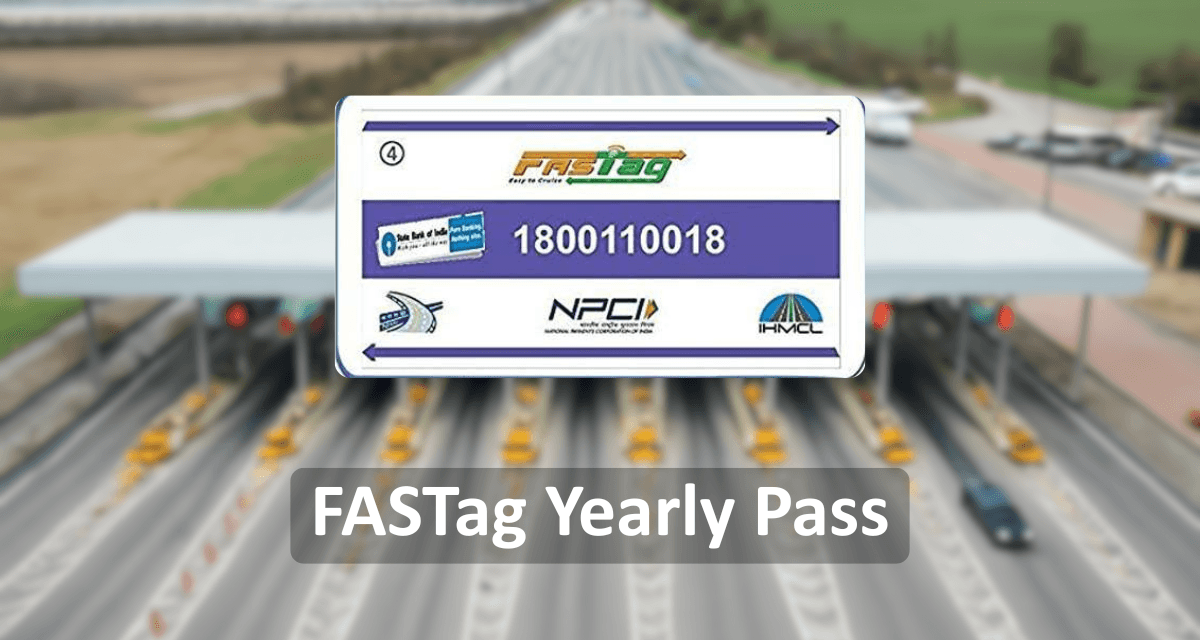
FASTag Annual Pass - Introduction, Benefit & Charges

How to Update SBI FASTag KYC Online: Step-by-Step Process & Rules

Axis Bank FASTag Customer Care – Get Quick Support & Assistance

FASTag Replacement: How to Replace a Damaged or Lost Tag
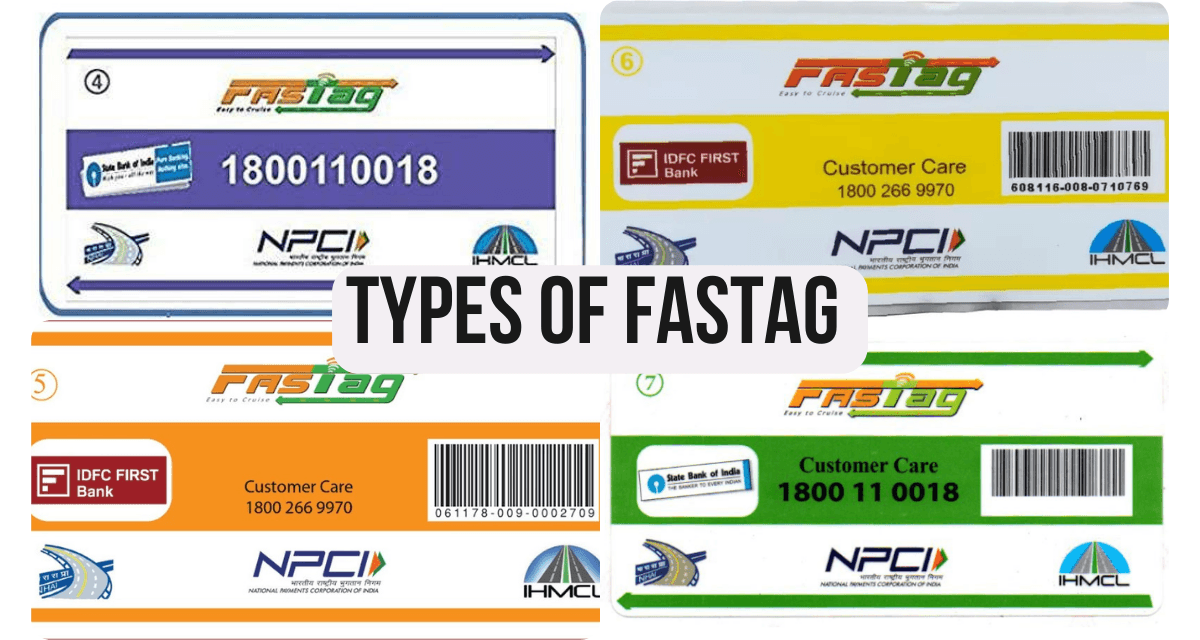
How Many Types of FASTag are Used in India for Toll Payments?

SBI FASTag Customer Care Number & Email ID for 24x7 Support
FASTag Monthly Pass: Cost, Eligibility, Benefits & How to Apply