SBI Bank FASTag Recharge

Why choose
Park+

Choose Park+ for a smarter driving experience. FASTag management, parking, insurance and more.
1 Cr+
Happy customers
1000+
tolls
Coverage
15 Lakh+
monthly FAstag Recharge
SBI FASTag Recharge – Online Process, Charges & Steps
Introduced by the Ministry of Road Transport and Highways (MoRTH) and NHAI, FASTag is a flagship programme. Indian Highways Management Company Limited (IHMCL) mandated the implementation of the FASTag across the country. With the ‘One Vehicle, One FASTag’, it is made mandatory for a vehicle to have a FASTag, and for this, several providers are offering NETC-approved FASTag and one of them is the SBI Bank FASTag.
How to Recharge SBI FASTag Online on Park+
Park+ offers a quick and convenient way to complete SBI FASTag recharge online. Users can easily recharge their FASTag through the Park+ website or the Park+ mobile app by entering their vehicle number and selecting the recharge amount. This ensures fast and hassle-free toll balance top-ups anytime.
Recharge SBI FASTag via Park+ Website
Follow these steps to complete SBI FASTag recharge online through the Park+ website:
STEP 1 : Visit the Park+ website and go to the ‘FASTag’ section.
STEP 2 : Navigate to the ‘SBI FASTag Recharge’ page.
STEP 3 : Enter your vehicle number in the required field..
STEP 4 : Click on ‘Recharge Now’ to proceed.
STEP 5 : Enter the recharge amount you want to add.
STEP 6 : Select a suitable payment mode.
STEP 7 : Make the payment to complete the FASTag recharge online on Park+
Recharge SBI FASTag via Park+ App
Users can also recharge their SBI FASTag online using the Park+ mobile app anytime and from anywhere by following these steps:
STEP 1 : Open the Park+ app and go to the ‘FASTag’ section.
STEP 2 : Enter the ‘Vehicle Number, Chassis Number or, Wallet Id’ in the given box.
STEP 3 : Tap on Recharge Now to continue.
STEP 4 : Tap on the amount of SBI FASTag recharge you want to do.
STEP 5 : Complete the payment to finish the SBI FASTag recharge.
Key Benefits of Using Park+ for SBI FASTag Recharge?
Online SBI FASTag recharge has simplified toll payments for commuters across the country. It helps users maintain a sufficient balance and ensures smooth, cashless passage at toll plazas. Some of the key benefits include:
Quick recharge: With online reliable platforms like Park+, individuals can quickly complete their SBI Bank FASTag recharge and enjoy travel.
Transparency: The online way of recharge has added transparency to the complete mechanism, benefiting both vehicle owners and the government.
24x7 recharge service: Through a trusted online platform, FASTag recharge SBI can be done round the clock. This is a great benefit for night travellers.
Transaction history: The online SBI FASTag recharge transaction is recorded digitally, providing quick access to the check history anytime and get clarity.
Cashless transactions: The online method of SBI FASTag recharge online has replaced the traditional method, where cash is required. Travellers can now easily recharge the FASTag without having to worry about keeping the cash.
What are the features of SBI Bank FASTag?
SBI FASTag is designed to make toll payments faster and more convenient for commuters. With sufficient balance in the FASTag account, drivers can pass through toll plazas without stopping in long queues. However, SBI FASTag offers several additional benefits. Some of the key features of SBI FASTag include:
Mandatory by law: To have a FASTag is mandatory as per the Central Motor Vehicles Act, 1989 (and the respective amendments made to it). Every vehicle on Indian roads is required to have a FASTag.
5-year validity: The SBI Bank FASTag is valid for a period of 5 years, after which it needs to be replaced.
Recent verification: As per the recent update, the SBI FASTag must be verified via the VAHAN database for activation and smooth functioning.
Cashless payments: With timely SBI FASTag recharge and availability of an adequate amount of funds in the linked account, the toll charges can be paid without cash.
KYV (Know Your Vehicle): The KYV validity for SBI FASTag is for three years, after which it needs to be updated.
Easy handling: SBI FASTag is easy to handle right from purchase to recharge. The users can manage the tag online through any reliable platform.
What documents are required for an SBI FASTag recharge online?
SBI FASTag recharge can be done online without collecting many documents or any other information. Tag holders can easily recharge their SBI FASTag online with minimal information on Park+.
The key details to keep handy for swift and smooth tag recharge through Park+ are:
Vehicle Number
Chassis Number
Wallet Id’
What are the different types of SBI Bank FASTag?
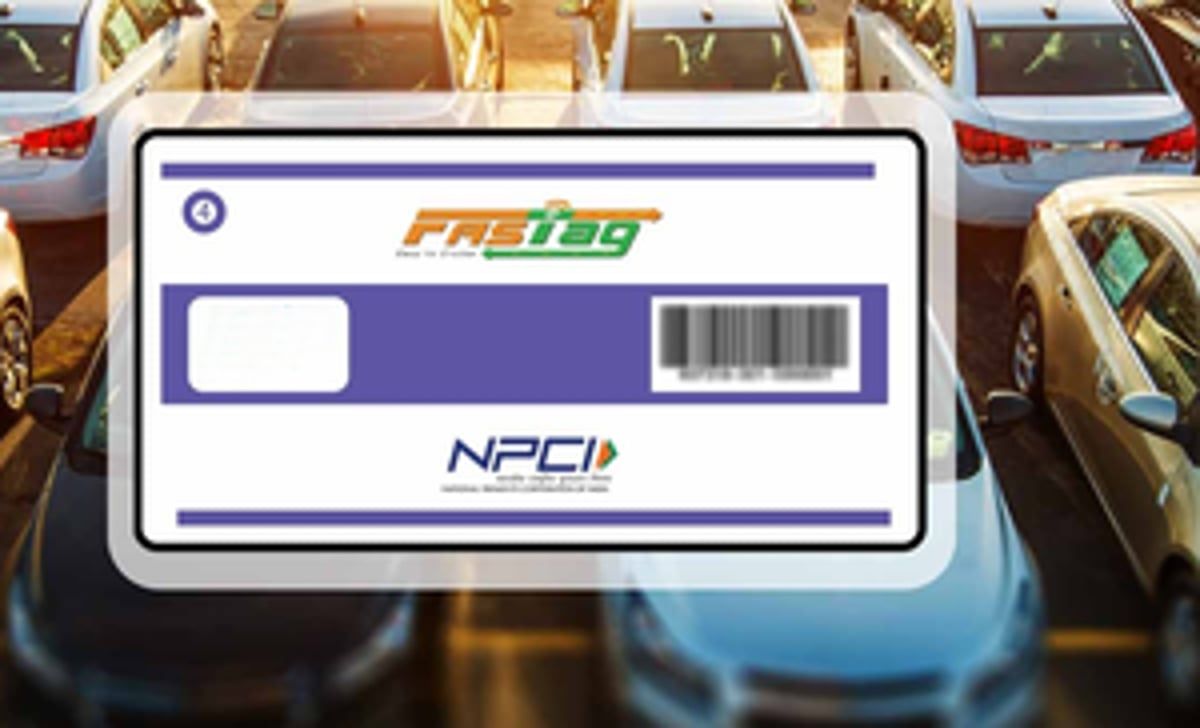
IHMCL/NHAI has classified FASTag into seven types, each represented by a unique colour based on the vehicle class. SBI FASTag follows this classification, allowing users to choose the right FASTag type for their vehicle to ensure seamless toll payments.
Types of SBI FASTag by Vehicle Class and Colour
| Vehicle Class No. | Particulars | Colour |
|---|---|---|
| 4 | Car/Jeep/Van/Tata Ace/Similar Mini Light Commercial Vehicle | Violet |
| 5 | Light Commercial Vehicle | Orange |
| 6 | Three Axle Commercial Vehicle | Yellow |
| 7 | Bus/Truck | Green |
| 12 | 4 To 6 Axle | Pink |
| 15 | 7 or More Axle | Blue |
| 16 | Heavy Construction Machinery (HCM)/Earth Moving Equipment (EME) | Grey |
SBI FASTag fees, charges, security deposit & minimum balance
There are some fees and charges associated with the FASTag and the same is with the SBI tag. The key SBI FASTag charges based on the vehicle class and type are as follows:
| Vehicle Class No. | Particulars | Tag Cost | Security Amount (Refundable) | Minimum Balance | Total |
|---|---|---|---|---|---|
| 4 | Car/Jeep/Van/Tata Ace/Similar Mini Light Commercial Vehicle | 100 | 200 | 100 (First-time issuance, top up only) | 400 |
| 5 | Light Commercial Vehicle | 100 | 300 | 300 | 700 |
| 6 | Three Axle Commercial Vehicle | 100 | 300 | 300 | 700 |
| 7 | Bus/Truck | 100 | 300 | 300 | 700 |
| 12 | 4 To 6 Axle | 100 | 300 | 300 | 700 |
| 15 | 7 To Much Axle | 100 | 300 | 300 | 700 |
| 16 | Heavy Construction Machinery (HCM)/Earth Moving Equipment (EME) | 100 | 300 | 300 | 700 |
Note: The security amount would be applicable as per the vehicle class and will be refunded to the customer at the time of closing of the FASTag account.
Why choose Park+ for SBI FASTag recharge online?
SBI FASTag recharge online can be done through Park+, a simplified and reliable platform. Park+ offers a range of valuable services, adding convenience to the lives of drivers. Amongst all the services, we also offer a complete set of FASTag services - buy, activation and recharge to make travel effortless. Below are some of the great benefits of Park+:
Discounts/Offers and rewards: Park+ offers exclusive discounts, offers and rewards on SBI FASTag recharge.
Minimal information: Individuals can easily recharge SBI FASTag by providing either of the following information - vehicle number, chassis number or wallet ID.
Easy online access: Park+ offers easy online access to users, adding convenience to their journey.
Secure payments: All the payments on the platform are processed securely, eliminating the chances of fraud.
Payment options: Park+ offers a range of supported payment options to match the different preferences of the vehicle owners, such as UPIs, debit card, credit card, netbanking, etc.
Real-time notifications: To ensure users remain updated about every single transaction, real-time alerts and notifications are sent for added transparency.
Dedicated assistance: Park+ has a dedicated support team to guide users and ensure an uninterrupted journey.
Balance check: Park+ lets FASTag holders quickly check the available balance in their wallet.
How to check SBI FASTag recharge history on Park+?
Park+ allows users to easily view their SBI FASTag recharge history through the website. By checking the history, users can track previous transactions, monitor balances, and ensure successful recharges.
Follow these steps to check the status of your SBI FASTag recharge online on Park+:
Visit Park+ website and go to the profile section.
Complete login using the registered mobile number, if you haven’t.
Go to the ‘Orders’ section.
Check the recent transactions.
Click on the respective transaction to get the complete details.
What happens if the SBI FASTag recharge is not done on time?
SBI FASTag recharge is important to make toll payments conveniently, without standing in long lines. Moreover, FASTag also prevents travellers from paying double charges.
In case the FASTag runs out of funds, users will face the following issues:
FASTag blacklisted: If an adequate amount of funds is not maintained in the FASTag wallet, it gets hotlisted, which means it doesn’t operate at toll booths.
Double penalties: In case the FASTag has insufficient balance, users end up paying double charges at the toll plazas.
Account deactivation: If the tag is not recharged for a long period, the account may get deactivated.
Delayed journeys: Users might end up standing in the waiting queue for a long time.
SBI Bank FASTag is a simple electronic toll collection method to make smooth cashless payments. The FASTag not only facilitates the users with added convenience but has also helped in improving toll collection. Visit Park+ and buy SBI FASTag or complete a recharge easily and in no time.
You can also recharge your FASTag via other provider like : HDFC Bank FASTag Recharge, LivQuik FASTag Recharge, Axis Bank FASTag Recharge, IDFC First Bank FASTag Recharge, Bajaj Finserv FASTag Recharge and IDBI Bank FASTag Recharge










What are the benefits of FASTag?
FASTag saves time, reduces fuel use, and makes your travel smoother with easy, cashless toll payments.

 Save fuel & time
Zip through the tolls without wasting time & fuel
 No cash just FASTag
Make quick and cashless payments at tolls and parkings
 Seamless recharge at fingertips
Enjoy quick & easy FASTag recharge for hassle-free travel
 Manage FASTag your way
Buy, activate, recharge, monitor transactions and more
Documents required for FASTag registration
Keep the following documents ready to ensure a quick and hassle-free FASTag registration process.

 Vehicle’s RC
Proof of vehicle ownership for FASTag registration.
 Valid ID Proof
Authorised documents to confirm your identity.
 Valid Address proof
A valid document to verify the address.
 Recent passport-size photograph
Provide a clear, recent photo for verification purposes.
Manage Everything with FASTag – Recharge, Buy & Annual Pass
From tolls to parking, manage everything effortlessly with FASTag!





Check Petrol Prices State-Wise
Petrol Price in Andaman Nicobar
Petrol Price in Andhra Pradesh
Petrol Price in Arunachal Pradesh
Petrol Price in Assam
Petrol Price in Bihar
Petrol Price in Chandigarh
Petrol Price in Chhatisgarh
Petrol Price in Dadra Nagarhaveli
Petrol Price in Daman & Diu
Petrol Price in Delhi
Petrol Price in Goa
Petrol Price in Gujarat
Petrol Price in Haryana
Petrol Price in Himachal Pradesh
Petrol Price in Jammu & Kashmir
Petrol Price in Jharkhand
Petrol Price in Karnataka
Petrol Price in Kerala
Petrol Price in Madhya Pradesh
Petrol Price in Maharashtra
Petrol Price in Manipur
Petrol Price in Meghalaya
Petrol Price in Mizoram
Petrol Price in Nagaland
Petrol Price in Odisha
Petrol Price in Pondicherry
Petrol Price in Punjab
Petrol Price in Rajasthan
Petrol Price in Sikkim
Petrol Price in Tamil Nadu
Petrol Price in Telangana
Petrol Price in Tripura
Petrol Price in Uttar Pradesh
Petrol Price in Uttarakhand
Petrol Price in West Bengal
Check Diesel Prices State-Wise
Diesel Price in Andaman Nicobar
Diesel Price in Andhra Pradesh
Diesel Price in Arunachal Pradesh
Diesel Price in Assam
Diesel Price in Bihar
Diesel Price in Chandigarh
Diesel Price in Chhatisgarh
Diesel Price in Dadra Nagarhaveli
Diesel Price in Daman & Diu
Diesel Price in Delhi
Diesel Price in Goa
Diesel Price in Gujarat
Diesel Price in Haryana
Diesel Price in Himachal Pradesh
Diesel Price in Jammu & Kashmir
Diesel Price in Jharkhand
Diesel Price in Karnataka
Diesel Price in Kerala
Diesel Price in Madhya Pradesh
Diesel Price in Maharashtra
Diesel Price in Manipur
Diesel Price in Meghalaya
Diesel Price in Mizoram
Diesel Price in Nagaland
Diesel Price in Odisha
Diesel Price in Pondicherry
Diesel Price in Punjab
Diesel Price in Rajasthan
Diesel Price in Sikkim
Diesel Price in Tamil Nadu
Diesel Price in Telangana
Diesel Price in Tripura
Diesel Price in Uttar Pradesh
Diesel Price in Uttarakhand
Diesel Price in West Bengal
Check CNG Prices State-Wise
CNG Price in Andaman Nicobar
CNG Price in Andhra Pradesh
CNG Price in Arunachal Pradesh
CNG Price in Assam
CNG Price in Bihar
CNG Price in Chandigarh
CNG Price in Chhatisgarh
CNG Price in Dadra Nagarhaveli
CNG Price in Daman & Diu
CNG Price in Delhi
CNG Price in Goa
CNG Price in Gujarat
CNG Price in Haryana
CNG Price in Himachal Pradesh
CNG Price in Jammu & Kashmir
CNG Price in Jharkhand
CNG Price in Karnataka
CNG Price in Kerala
CNG Price in Madhya Pradesh
CNG Price in Maharashtra
CNG Price in Manipur
CNG Price in Meghalaya
CNG Price in Mizoram
CNG Price in Nagaland
CNG Price in Odisha
CNG Price in Pondicherry
CNG Price in Punjab
CNG Price in Rajasthan
CNG Price in Sikkim
CNG Price in Tamil Nadu
CNG Price in Telangana
CNG Price in Tripura
CNG Price in Uttar Pradesh
CNG Price in Uttarakhand
CNG Price in West Bengal
SBI Bank FASTag Recharge FAQs
Where can I register a complaint for SBI FASTag services?
What if my KYV is incomplete?
How can I do the SBI FASTag recharge online?
Can I recharge SBI FASTag through UPI platforms?
How many types of SBI FASTag are there?
Latest FASTag Blogs
ICICI FASTag Login with Mobile Number – Step-by-Step Guide
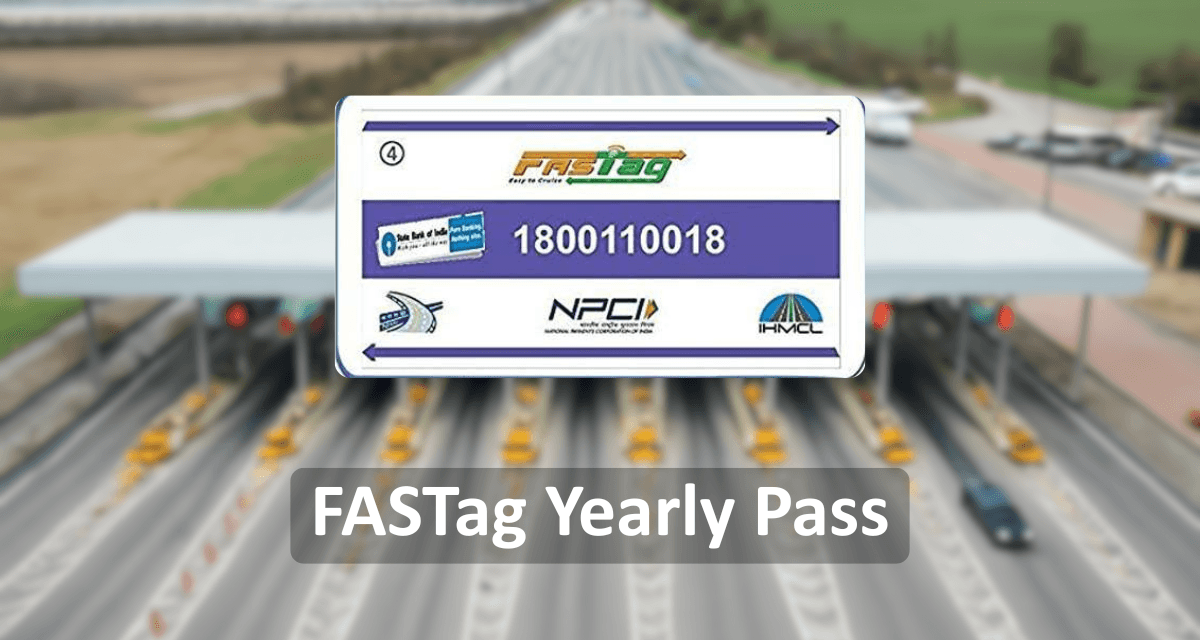
FASTag Annual Pass - Introduction, Benefit & Charges
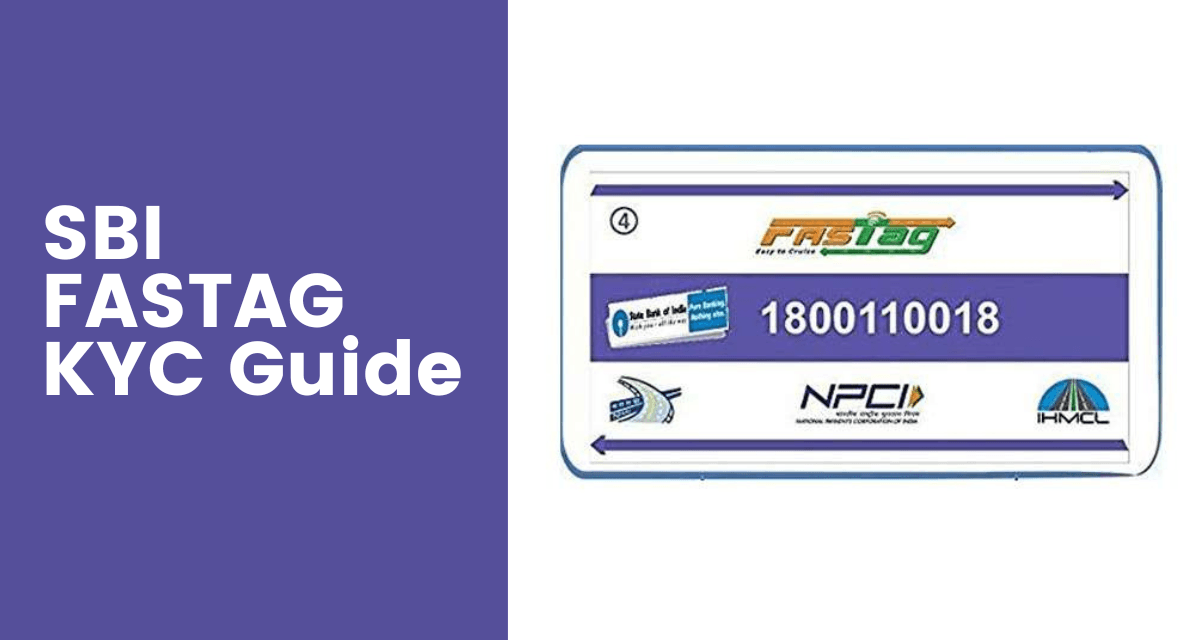
How to Update your SBI FASTag KYC Online - Full Process

Axis Bank FASTag Customer Care – Get Quick Support & Assistance
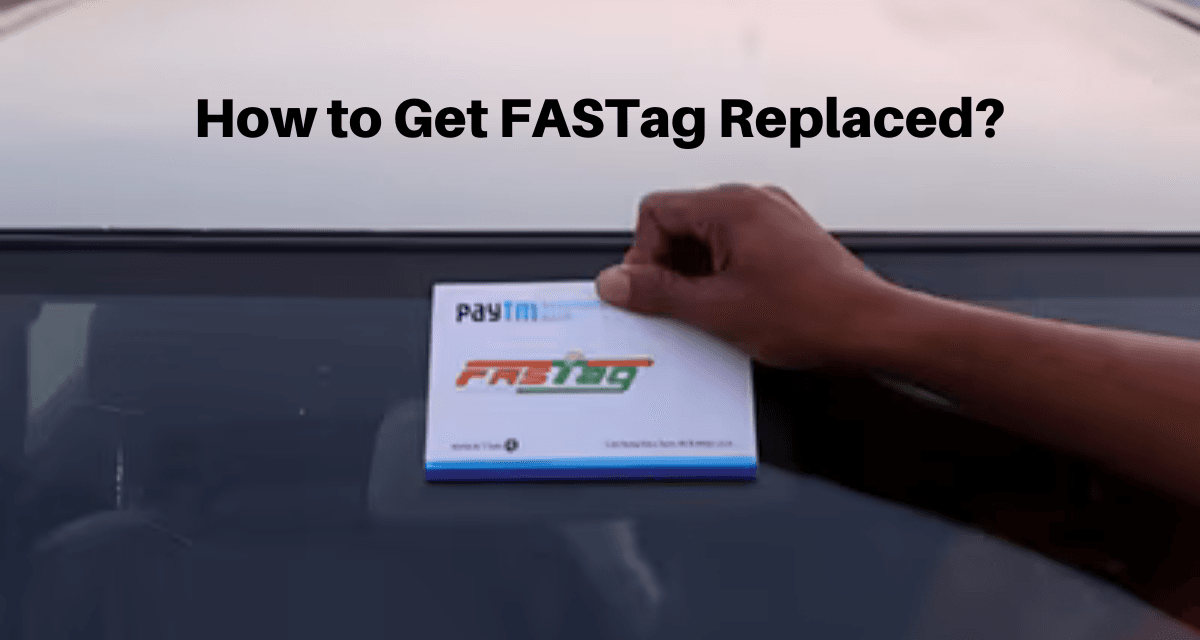
When You Need FASTag Replacement & How to Get a New One?
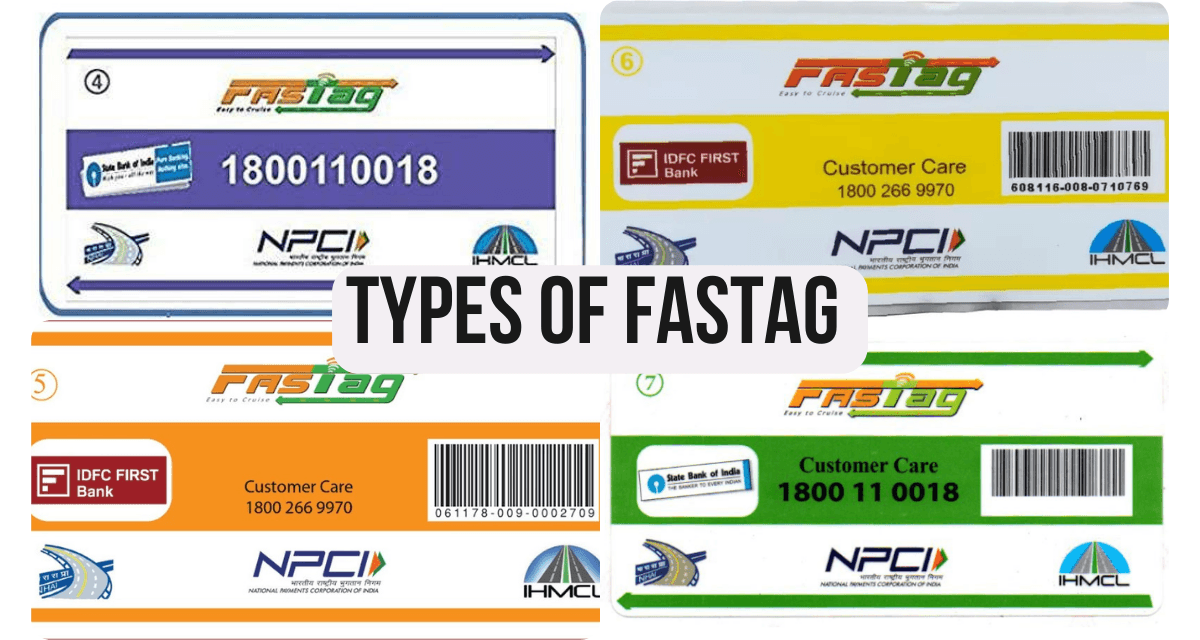
How Many Types of FASTag are Used in India for Toll Payments?
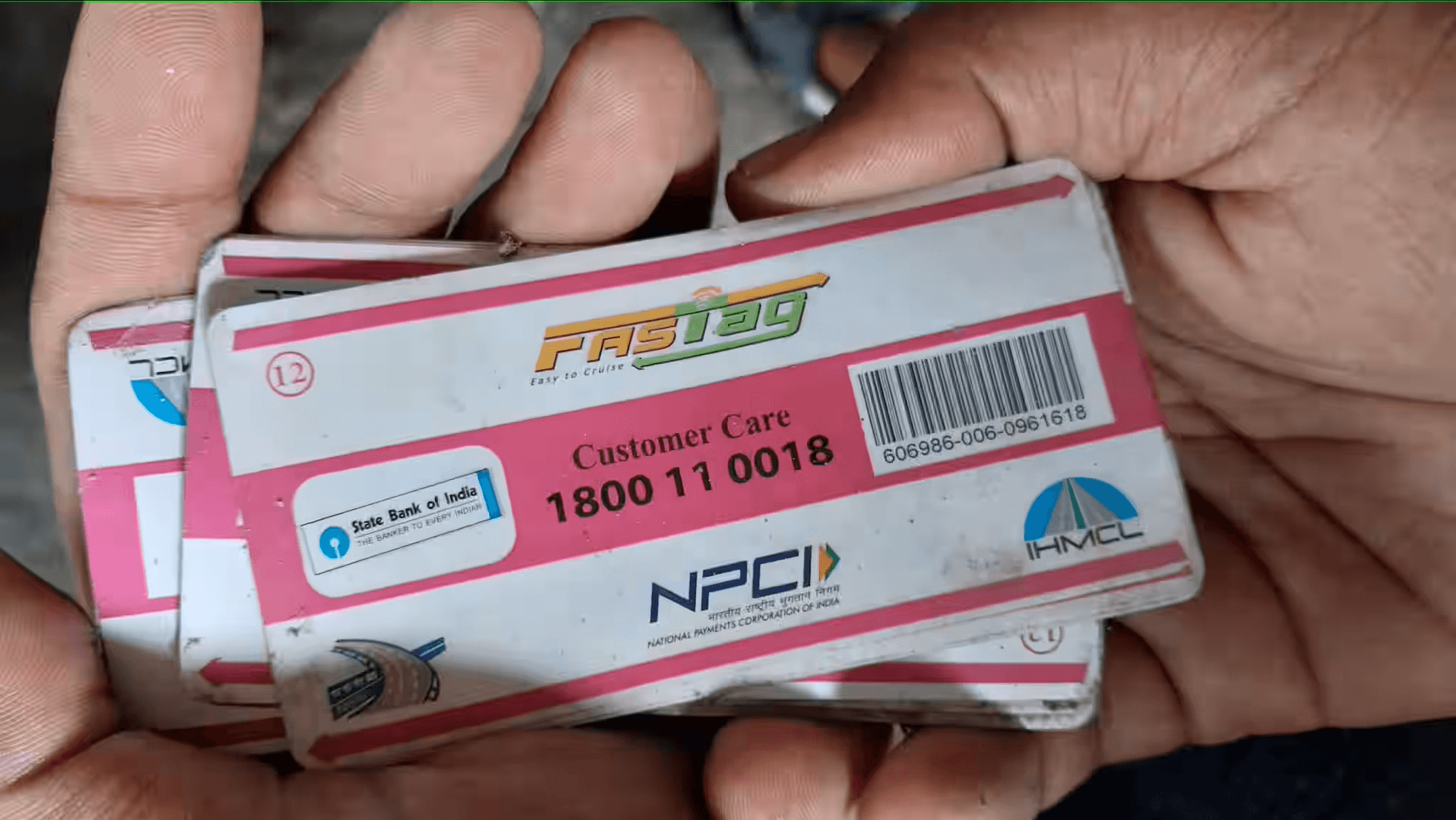
SBI FASTag Customer Care Number & Email ID for 24x7 Support
Ultimate Guide to FASTag Monthly Pass and How to Get One?