FASTag service issues can be a real hassle, especially when you’re on the road and suddenly find your SBI FASTag marked as blacklisted. Well, If you notice that your FASTag is marked as SBI FASTag blacklisted, then you're in the right place.
We believe that most issues can be resolved through this detailed guide. In case they aren't, in some rare cases, SBI FASTag surrender might be the final recourse.
In this blog, let’s dive deep into practical steps you can take to diagnose and resolve the problem, making the whole process effortless and time-saving.
What is a SBI FASTag?
The SBI FASTag is designed to use Radio Frequency Identification (RFID) technology to allow users to pay tolls straight from their associated savings or prepaid accounts. It allows you to pass past toll plazas without stopping to pay for cash because it is attached to your car's windscreen.
If the tag is connected to a prepaid account, you will need to recharge or top it up in accordance with your needs. The tag can be acquired via tag issuers.
To manage your toll payments and view transaction histories efficiently, the SBI FASTag login portal should be your first stop.
The process to Check if the SBI FASTag is Blacklisted
Determining if your SBI FASTag is blacklisted is the first crucial step. A quick status check will help you understand if the issue is due to technical glitches, payment problems, or other discrepancies.
Steps to Check
Log In to Your SBI Account
Open your SBI online banking portal or mobile application and navigate to the FASTag section to view your current FASTag status.Access the FASTag Dashboard
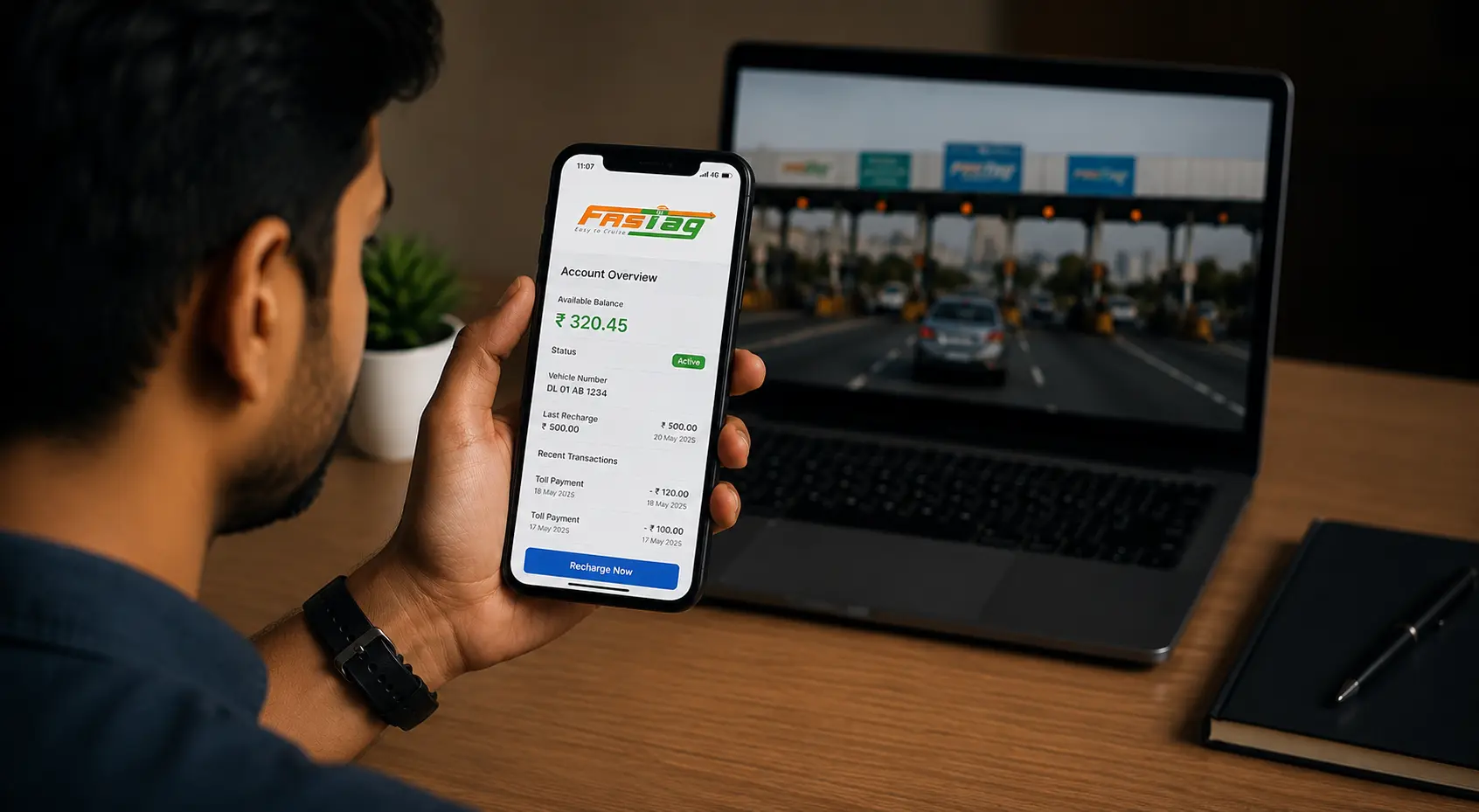
Once logged in, look for the dedicated FASTag dashboard. Here, the status (active, inactive, or blacklisted) is displayed.Verify Transaction History
Review your recent toll transactions. Inconsistencies or repeated transaction failures might indicate a blacklisting issue.Contact Customer Support
If you still aren’t sure about your FASTag status, reach out to SBI customer service via phone or chat. They can provide a detailed status update.Check Notifications
Look for any alerts or messages in your email or SMS. Banks typically notify customers if their FASTag has been flagged or blacklisted.
Following these steps will confirm whether your tag is SBI FASTag blacklisted.
If even after these steps, complications persist, consider the possibility of SBI FASTag surrender.
What can be the Possible Reasons?
Understanding why your SBI FASTag might be blacklisted is key to finding the right solution. Often, multiple factors could be contributing to the issue.
Just so you know, a blacklisted FASTag isn’t always a sign of wrongdoing, it could be due to simple errors or oversights.
Here, we have listed common reasons that might lead to your FASTag being blacklisted.
Common Reasons Include
Insufficient Account Balance
FASTag systems may flag your tag if there isn’t enough balance in your linked account to cover toll charges. For added convenience, you can opt for FASTag recharge by vehicle number. This service allows you to quickly recharge your account by simply entering your vehicle registration details, ensuring uninterrupted toll payments.Expired or Inactive Tag
An outdated or inactive FASTag can easily be marked as blacklisted. Regular updates and timely renewals are necessary.Multiple Payment Failures
Consistent payment failures during toll transactions can trigger a review and eventually lead to blacklisting.Incorrect Tag Details
Errors in the vehicle registration number, account details, or personal information can result in a blacklisting flag.Non-compliance with Regulatory Norms
Failing to adhere to regulatory guidelines or missing required KYC updates might be a contributing factor.Technical Glitches
Sometimes, system errors or technical issues with the FASTag platform can erroneously blacklist a valid tag.
Therefore, understanding, if your tag is SBI FASTag blacklisted, is crucial before proceeding further.
Possible Solutions to Resolve the SBI FASTag Blacklisted Issue
Once you have identified the potential reasons behind the blacklisting, the next step is to address the issue. This section provides a range of actionable solutions to resolve the SBI FASTag blacklisting.
Below are practical solutions that you can try immediately to fix the issue.
Actionable Solutions
Ensure Sufficient Funds
Double-check that your linked account has enough balance to cover upcoming toll charges. Consider topping up if necessary.Update Your FASTag Details
Verify that all details on your FASTag (vehicle registration, personal information, etc.) are accurate. If errors are found, update them via the SBI portal.Renew or Reactivate Your Tag
If your FASTag is expired or inactive, follow the renewal process as outlined by SBI. This may involve a visit to your nearest branch or using the online portal. You can also buy new FASTag.Resolve Payment Issues
Address any issues related to payment failures. This might involve troubleshooting with your bank or updating your payment credentials.Clear Outstanding Dues
If you have pending toll dues or fines, settle them promptly. Outstanding amounts could trigger a blacklisting flag.Contact SBI Support
For persistent issues, get in touch with SBI customer support. Their guidance is crucial for resolving technical or system-specific issues.Follow Regulatory Updates
Stay updated with regulatory norms and ensure your FASTag complies with all required standards. This includes timely KYC updates and adhering to any changes in policies.
These solutions aim to resolve issues where your tag remains SBI FASTag blacklisted.
How to Reactivate a Blacklisted SBI Fastag
Reactivating a blacklisted FASTag requires following a systematic process. This section outlines the key steps you need to take to reinstate your SBI FASTag.
Here’s a detailed guide to help you navigate this process efficiently.
Steps to Reactivate
Initiate a Re-Activation Request
Log into your SBI FASTag portal and locate the reactivation option. Submit a request explaining your case if required.Submit Required Documents
If the reactivation process calls for updated documents (like a renewed vehicle registration or KYC proof), ensure you have them ready in digital format.Confirm Payment Settlements
Verify that all pending toll payments or fines have been cleared. This confirmation is crucial for a successful reactivation.Receive a Confirmation Notification
Once the request is processed, you should receive a confirmation via email or SMS indicating that your FASTag is now active.Perform a Test Transaction
To be sure, try a small toll transaction to verify that your FASTag is working correctly.Follow Up, if Necessary
If reactivation is delayed or fails, follow up with SBI customer support. Persistence can help resolve any lingering issues.
Understanding SBI FASTag Surrender Process
Sometimes, the most effective resolution is to completely close your current FASTag service and buy a new FASTag. SBI FASTag surrender is the formal process to deactivate your FASTag when you no longer need the service or plan to switch providers.
This process ensures that all transactions are halted, and any pending issues are formally resolved.
Here’s a step-by-step guide on how to file for SBI FASTag surrender:
Visit the Nearest SBI Branch
Start by visiting an SBI branch that handles FASTag services. Inquire about the surrender procedure and obtain any necessary forms.Collect the Surrender Form
Obtain the official FASTag surrender form either directly from the branch or by downloading it from the SBI website.Fill in the Required Details
Complete the form with your FASTag number, vehicle details, and the reason for surrender. Ensure that the information is accurate to avoid processing delays.Submit Supporting Documents
Prepare and submit the required documents, such as your vehicle registration certificate, identity proof, and any other documents requested by the branch.Hand Over the FASTag Device
Surrender your physical FASTag device. The branch representative may inspect it to ensure it is in acceptable condition.Obtain a Receipt
After submitting your application and device, make sure to obtain an official receipt as proof of your SBI FASTag surrender.Await Confirmation
The bank will process your surrender request. Once completed, you’ll receive confirmation that your FASTag service has been officially closed.
This guide ensures that the SBI FASTag surrender process is smooth and hassle-free, providing you with a clear pathway to deactivate your service if needed.
Conclusion
Dealing with a blacklisted SBI FASTag may seem daunting, but with the right steps, it can be resolved quickly. In this blog, we covered the essential processes from checking your FASTag status to understanding the reasons behind the blacklisting, implementing solutions, and finally reactivating your tag.
If you continue facing issues or require additional assistance, don’t hesitate to reach out to SBI customer support. For further reading and more in-depth analysis, you can refer to the trusted resource links provided above.