
Electronic toll collection in India uses FASTag (an RFID sticker on vehicles) to pay highway toll tax. If your FASTag blacklisted, it can mean that your issuing bank or the authorities have disabled the tag.
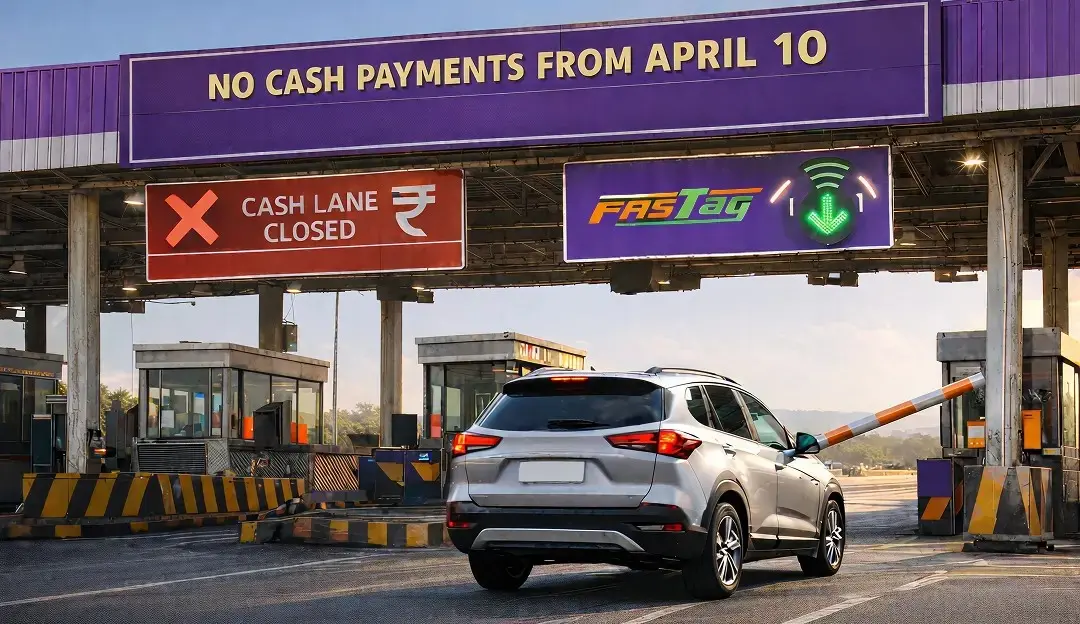
In practice, a blacklisted tag cannot auto-pay tolls – forcing you to pay necessarily in cash, often at double the toll rate. It’s considered smart to do a quick FASTag blacklisted check on the NPCI portal before travel.
The FASTag gets blacklisted due to several reasons which are pretty common and easily to resolve. All you need to do is ensure that the FASTag is blacklisted or not and the possible reason for the same.
When flagged for any of the reasons, you effectively end up with a blacklisted FASTag that needs to be reactivated.
What is a Blacklisted FASTag?
A blacklisted FASTag is simply a deactivated toll tag. Your issuing agency blocks it due to some problem.
A blacklisted FASTag means that it has been “temporarily or permanently blocked by the issuing bank,” so it won’t work at toll booths. In short, when FASTag is blacklisted you can’t use it for cashless toll payment.
For clarity, the tag is blacklisted whenever the bank or law enforcement authorities flag it – until then it stops working. This explains that the RFID sticker on your windshield will not deduct the toll fees – you’ll have to switch to paying cash until you reactivate it.
Drivers should understand when FASTag is blacklisted, it means their tag won’t work. And to understand the possible reasons behind it, check the section ahead.
5 Reasons Why Your FASTag Might Get Hotlisted
Toll operators and banks marks FASTag blacklisted for many reasons. Common causes can be listed as follows:
1. Insufficient Balance
Keeping a minimum FASTag wallet balance is key cause of having a blacklisted FASTag. If your tag runs out of funds, it will be blocked at the toll plaza. Additionally, low balance is the “most common reason” for blacklisting.
In that case, no automatic toll deduction can occur and you may end up paying double tolls. To prevent this, you can maintain enough balance and set up auto-recharge or reminders to top up.
2. Outstanding Toll Violations or Penalties
Unpaid toll fines or penalties can also cause a block. It has been warned that delayed toll violation fees often result in a FASTag blacklisted status. Likewise, ignoring toll penalties will get your FASTag suspended.
Always remember to clear any pending toll bills or challans promptly to avoid this issue.
3. Suspicious or Fraudulent Activity
Banks monitor FASTag usage for security. If they detect unusual transactions or fraud (such as unauthorized toll scans), they may hotlist your tag. For example, using the same FASTag on multiple vehicles can trigger a block. Likewise, it has been noted that any unauthorized or fraudulent use will lead to blacklisting.
If you see any alert or suspect misuse, report it immediately to prevent fraud-based blocking.
4. Misuse or Non-Compliance
Misusing FASTag invites penalties. FASTag in hand (not affixed to the windshield) will be blacklisted. Using the tag on an unauthorized vehicle or for non-toll payments is also prohibited. For instance, never put your FASTag for car on a truck – regulators consider that illegal use, and it will trigger a blacklist.
Always follow FASTag usage rules strictly to avoid being flagged.
5. Documentation or Account Issues
Incorrect or expired documents can get you blocked, too. Banks may hotlist FASTags with outdated KYC or vehicle information. For example, if your registration details or tax class don’t match the record, the toll system detects the mismatch and blocks the tag.
Ensuring your KYC and vehicle details (registration, owner info, etc.) are up to date prevents this mistake.
How to Know if the FASTag is blacklisted?
If you are not sure about the status of your FASTag, whether it is active or not, you should first confirm the same. To ensure if the FASTag is blacklisted, you can follow alternative methods, depending on your preferences and suitability.
Take a look at the below-mentioned ways and opt for one to confirm the status of the FASTag.
SMS or Emails: Several FASTag issuer companies send alerts to the holders, in case the FASTag gets hotlisted. For this, they either send a simple SMS or notify the users via email, or both. This helps users stay updated about their FASTag status.
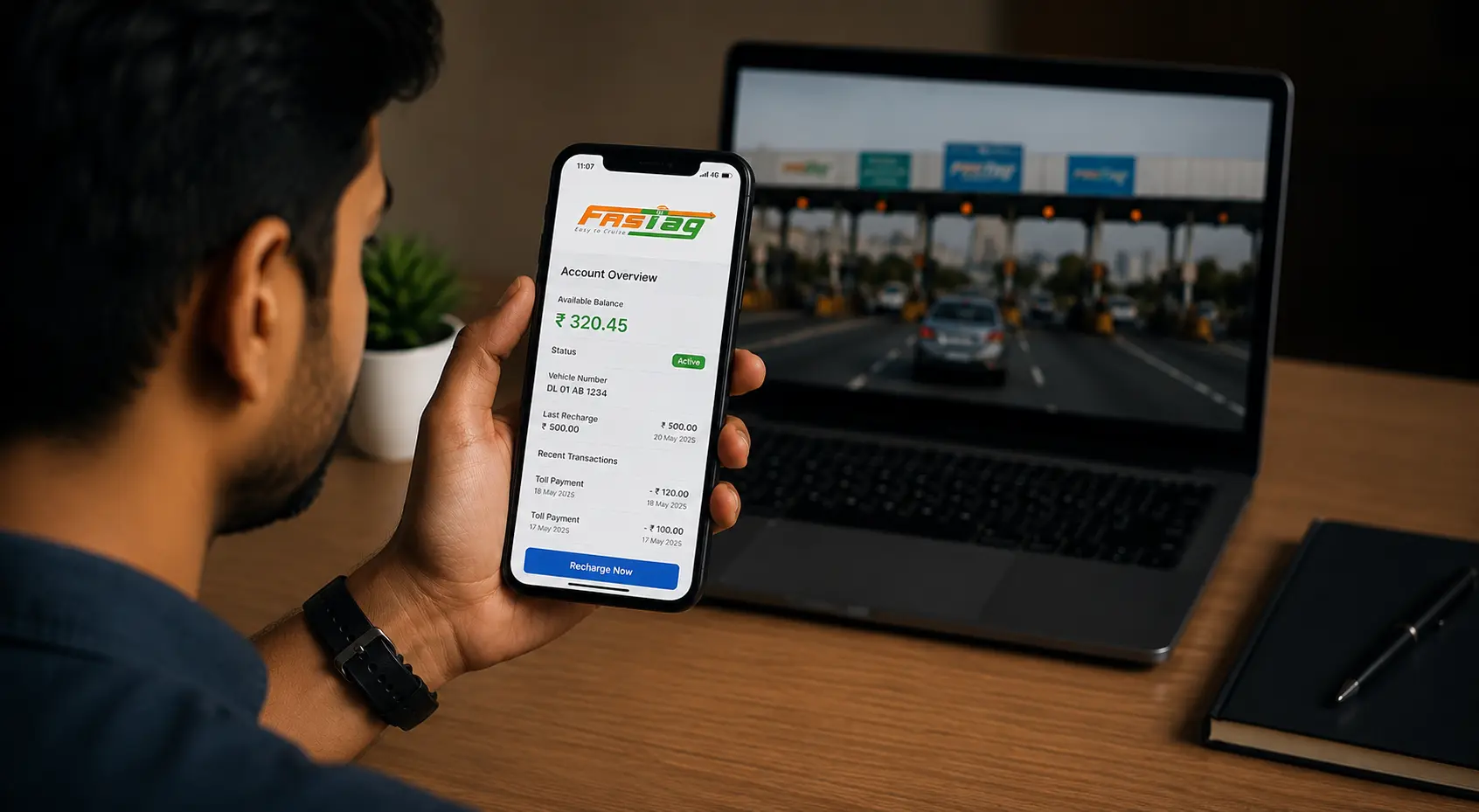
Mobile Apps: Depending on the FASTag provider, users can even check the status of their FASTag through the mobile applications. This is a convenient and a quick way to know about blacklisted FASTag.
Customer Support: Users can even get in touch with the customer desk of the FASTag provider and enquire about the status of the tag. They can either reach out to the concerned team on call or drop an email to the support desk.
Also Read --> How do I contact FASTag Customer Care?
How Can I Prevent My FASTag From Getting Blacklisted?
To ensure that you don’t face this issue and enjoy smooth travel across the nation, a handful of proactive tips will surely help you. Below mentioned are some of the simple and effective proactive tips, take a look at them.
Initial setup: When you buy FASTag, register it immediately with your vehicle and complete the KYC. This ensures the tag is correctly linked from the start.
Maintain balance: Enable FASTag online recharge or auto top-up to fund your wallet. Do not wait until zero balance.
Pay dues on time: Know what is toll tax (the highway usage fee) is and pay it on schedule. Clear all toll bills or violation notices promptly – unpaid tolls or fines are a big cause of blacklisting.
Use correctly: Keep the FASTag affixed to the correct vehicle’s windshield. Never swap tags between cars. Using a FASTag for car only on its assigned vehicle prevents misuse.
Update documents: Regularly verify your FASTag account information. Ensure KYC, registration, and vehicle class details are current to avoid mismatches. Provide missing documents, if any.
Monitor status: Perform the steps involved in How to check if FASTag is blacklisted? via the NPCI NETC portal or your bank’s FASTag app by entering your vehicle number. This way, you catch any issue early.
Contact issuer: If anything goes wrong, call your FASTag bank immediately and share your concern for FASTag blacklisted check. They can tell you why your tag was hotlisted and how to fix it.
If you have taken all the required steps, you need to wait patiently for some time until the issue is resolved by the team. Even after a couple of days, FASTag doesn’t gets work, reach out to the support team of the FASTag provider.
Also Know --> FASTag Registration Process for Vehicle
Conclusion
A FASTag blacklisted tag simply means you’re cut off from electronic toll lanes – usually due to low balance, unpaid fines or compliance issues. By following the tips above – keeping your FASTag funded, paying tolls on time, and following rules – you can avoid this issue. A blacklisted FASTag simply cannot deduct tolls; topping it up or fixing document issues will generally reactivate it. For example, if FASTag is blacklisted, contacting the bank, normally fixes it.