
Gone are the days of fumbling with cash at toll plazas. FASTag, a prepaid electronic toll collection system, has revolutionized toll payments in India, offering a register Fastag experience that saves time and ensures a smooth journey. But with so many options available, how to register Fastag quickly and conveniently? Look no further than WhatsApp! This blog dives deep into the process of Registering a Fastag using WhatsApp, empowering you to enjoy hassle-free toll transactions.
Understanding FASTag Registration
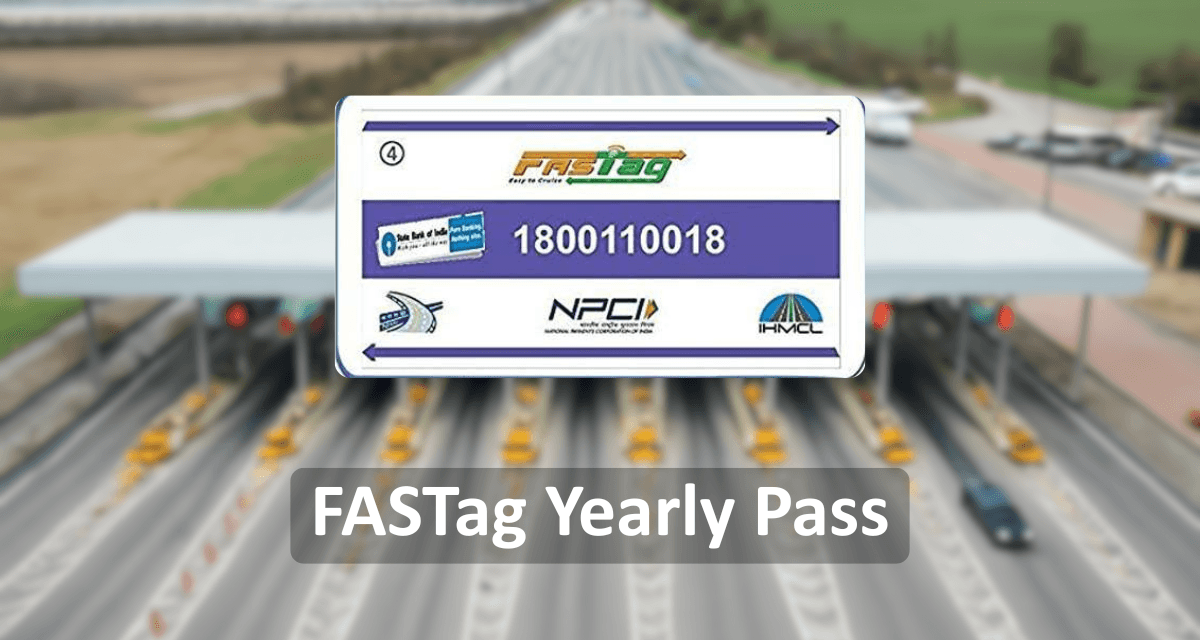
FASTag, an electronic toll collection system, stands as a beacon of modernity in the realm of transportation infrastructure. Through its integration of Radio Frequency Identification (RFID) technology, FASTag heralds a transformative shift in how toll payments are conducted on India's highways. By affixing a small, yet powerful, RFID tag onto the windshield of vehicles, FASTag seamlessly facilitates automatic toll deductions as vehicles pass through toll plazas. This revolutionary approach eradicates the antiquated reliance on cash transactions, ushering in a new era of efficiency and convenience for commuters. Not only does FASTag streamline the toll payment process, but it also contributes to the alleviation of traffic congestion, as vehicles can traverse toll plazas without the need for time-consuming stops, thereby ensuring smoother and more expedient journeys for all travellers.
Also Read:- Fastag Rules & Regulations 2024
Why Register for Fastag Using WhatsApp?
WhatsApp has become an integral part of our daily lives, and Registering your Fastag through this platform offers several advantages:
Convenience: Registering a Fastag on WhatsApp eliminates the need to visit banks or physical points of sale. You can complete the entire process from the comfort of your home.
Accessibility: With WhatsApp on almost every smartphone, Registering for Fastag becomes accessible to a wider audience. No need to download additional apps or navigate complex websites.
Simplicity: The WhatsApp interface is user-friendly, making the Fastag registration process straightforward to follow.
FASTag Recharge: Many banks allow you to fastag recharge balance conveniently through WhatsApp. Simply initiate a chat with the bank's number and follow the prompts for recharge options.
Customer Support: Some banks offer basic customer support regarding your FASTag through WhatsApp. You can inquire about balance, and transaction history, or raise queries for assistance.
Also Read:- How to Link your fastag with Bank Account
How To Register For Fastag Through WhatsApp: A Step-by-Step Guide
The specific steps for Registering a Fastag on WhatsApp might vary slightly depending on the issuing bank you choose. However, the general process of how to register for Fastag:
Step 1: Save the WhatsApp Number
Begin by saving the official WhatsApp number provided by the FASTag issuer or authorized bank on your device. This number will be used to initiate the registration process.
Step 2: Initiate Registration
Open WhatsApp and start a new chat with the saved number. You may need to add the number to your contacts if it's not already saved.
Step 3: Send Registration Request
Send a message to the WhatsApp number expressing your intent to register for FASTag. You can use a simple message like "I would like to Register my Fastag" to initiate the process.
Step 4: Follow Instructions
Once you've sent the registration request, you'll receive automated prompts and instructions from the FASTag issuer or bank. Follow these instructions carefully to complete the registration process.
Step 5: Provide Necessary Information
You may be asked to provide certain information, such as your vehicle registration details, KYC documents, and contact information. Ensure that you have these documents readily available to expedite the registration process.
Step 6: Verification and Confirmation
After providing the necessary information, your details will be verified by the issuer or bank. Once verified, you'll receive a confirmation message indicating that your FASTag registration is successful.
Also Read:- How to Find Bank Issuer Bank
Conclusion
In conclusion, registering for FASTag using WhatsApp offers a convenient and efficient way to avail of the benefits of electronic toll collection. By following the simple steps outlined in this guide, you can register for FASTag from the comfort of your home or on the go, ensuring a seamless travel experience on India's highways. So, take advantage of this hassle-free registration process and enjoy the convenience of FASTag for your toll payments.