In today’s world, where everyone is short on time and things need to speed up, technology is winning the race. In India, where traffic congestion not only consumes our time but also energy, FASTag as a service has proven to be a boon in its existence.
Many banks now provide the facility to recharge or issue their own FASTag. A FASTag is a paper-based tag affixed on the windshield that uses Radio Frequency Identification (RFID) technology for making toll payments directly from the Prepaid Wallet, Savings, or Current account linked to it.
Top 7 Ways to Recharge IDBI FASTag
Now, it has been mandatory for vehicle owners to have the FASTag service so that they can automatically pay the toll amount at the toll plazas.
Let’s read about the top 7 methods:
1. IDBI Mobile Banking
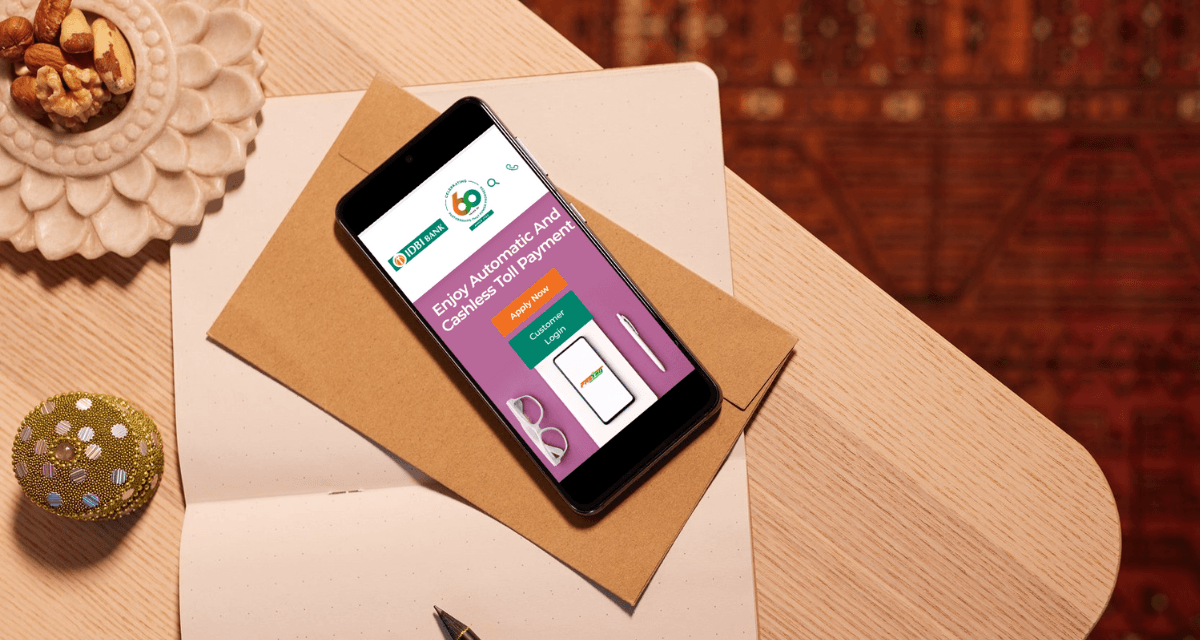
The IDBI Go Mobile application is a one-stop solution for all your banking problems that allows you to manage various banking services, including FASTag recharge, just using your smartphone!
A simple, user-friendly choice for many customers. Here’s how you can do FASTag recharge by vehicle number.
Download and log into the IDBI Go Mobile+ app.
Navigate to the ‘Request’ or ‘Services’ section and select ‘FASTag’.
Choose ‘Recharge’, enter your vehicle registration number, and the amount.
Confirm the transaction with the OTP received.
2. IDBI Internet Banking
IDBI Internet Banking provides a robust platform for all your banking needs, including recharging your FASTag. With 24/7 access, you can manage your finances and keep your FASTag balance topped up at any time.
Follow these steps to use internet banking for IDBI FASTag recharge:
Log in to IDBI Internet Banking on the official website.
Go to the ‘FASTag’ section and select ‘Recharge’.
Enter the recharge amount and confirm the transaction.
Authorize with OTP and perform the other prompted actions to complete the recharge.
3. IDBI FASTag App
The IDBI FASTag App is specifically designed for FASTag users, offering features like balance checks, transaction history, and easy recharge options. It’s a must-have for frequent travelers who want to keep track of their toll payments.
Here’s how to recharge using the IDBI FASTag App:
Download and log in to the IDBI FASTag app.
Select ‘Recharge’ from the menu.
Enter the recharge amount and choose the payment mode.
Complete the payment as per the chosen method.
4. Park+
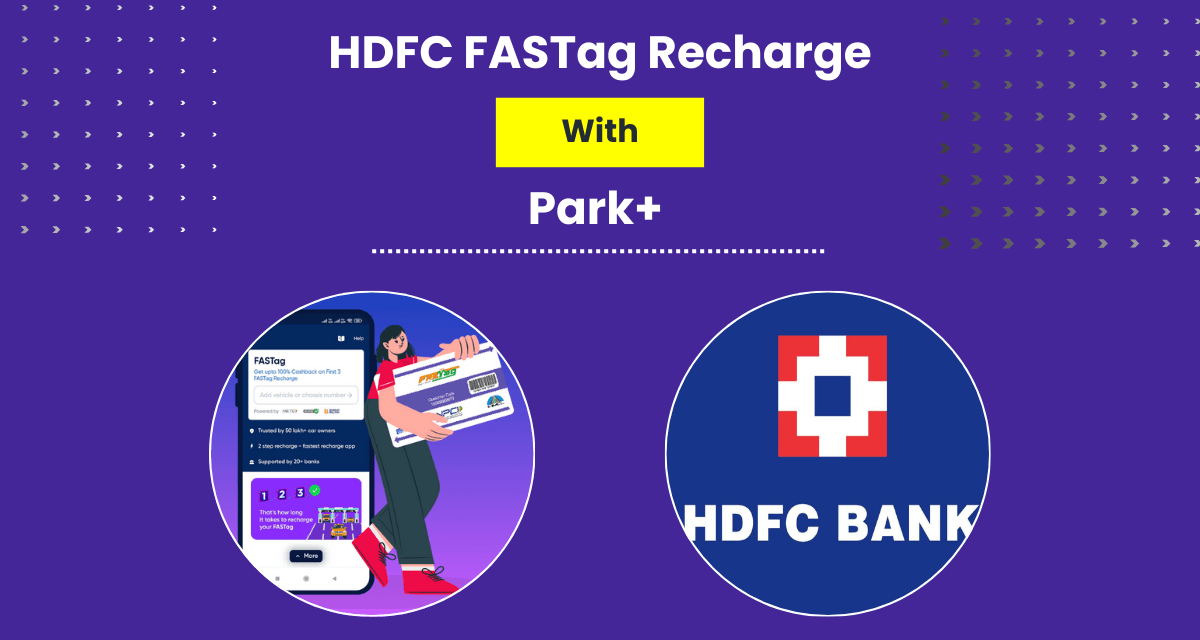
Park+ is not just for parking; perhaps a versatile app that also allows you to recharge your FASTag quickly. With its intuitive interface and multiple payment options, it’s a convenient choice for tech-savvy users.
Here’s how to recharge using Park+:
Download and log into the Park+ app.
Go to FASTag recharge, select IDBI Bank.
Enter vehicle registration number and recharge amount.
Proceed to payment and confirm.
5. UPI Applications
UPI (Unified Payments Interface) apps provide a fast and secure way to recharge your IDBI Bank FASTag, leveraging their widespread adoption and instant transaction capabilities. Below, we outline the steps for two popular UPI apps: Google Pay and PhonePe.
Follow these steps to recharge your IDBI Bank FASTag:
Open UPI App (Google Pay/PhonePe), go to ‘Pay Bills’/‘Recharge’, select ‘FASTag recharge’.
Choose ‘IDBI FASTag’ and enter the vehicle registration number.
Enter the recharge amount.
- Confirm payment with UPI PIN.
- Complete the payment
6. My FASTag App
The My FASTag app, developed by the Indian Highways Management Company Limited (IHMCL), is a universal platform for managing and recharging FASTags from any issuer bank, including IDBI Bank. It’s ideal for users seeking a centralized solution.
Download and log into My FASTag app.
Select ‘Recharge FASTag’, choose IDBI Bank.
Enter vehicle registration number and recharge amount.
Select UPI as payment method and complete payment.
7. IDBI Go Mobile BBPS
The BBPS (Bharat Bill Payment System) feature within the IDBI Go Mobile app allows you to pay various bills, including recharging your FASTag, through a unified platform. It’s particularly useful, if you already use the app for other banking services.
Here’s how to use IDBI Go Mobile BBPS:
Log in to the IDBI Go Mobile+ app.
Go to ‘Bill Payments’, select ‘FASTag Recharge’.
Enter vehicle registration number and recharge amount.
Choose the payment method and confirm with OTP.
Conclusion
Before planning a trip on weekends or work trips through highways, make sure to recharge your FASTag. FASTag service is the most convenient way to avoid long queues and have a hassle-free journey. Therefore, if you don’t wish your journey to be disrupted by long waiting hours, just follow the above simple steps and hit the road like never before! Also, if you need a new tag, you can also buy FASTag online through IDBI’s official channels.