
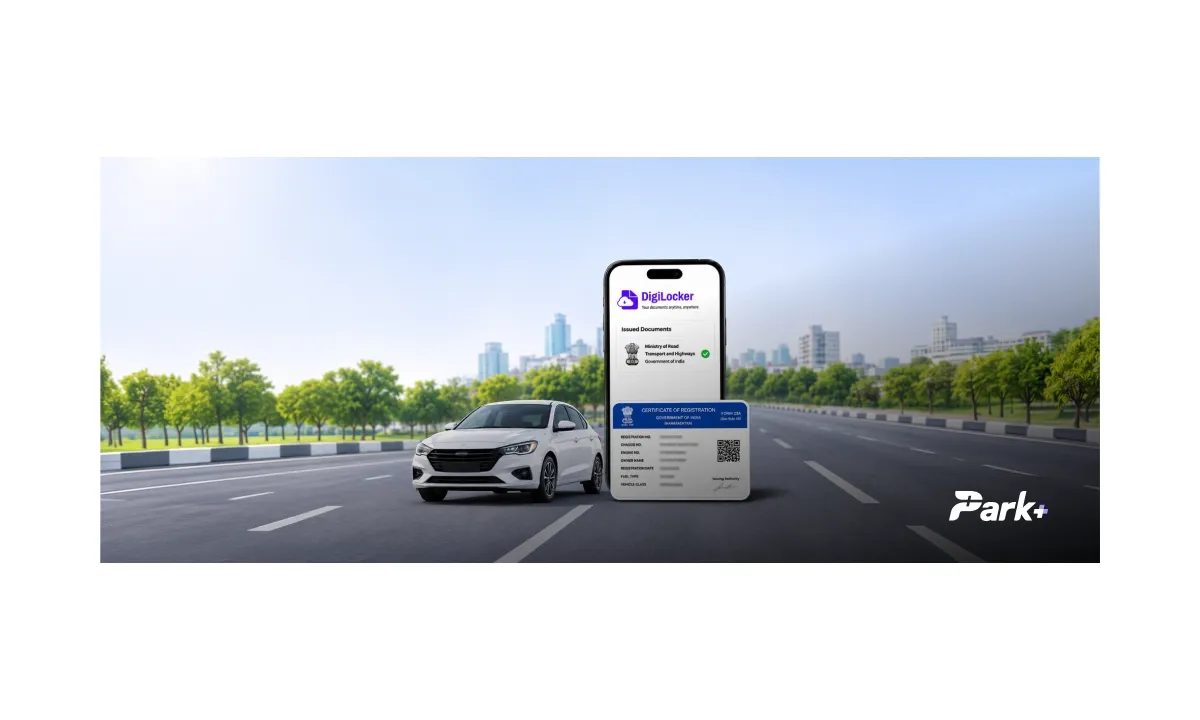
Finding official paperwork no longer means carrying plastic cards everywhere you go or worrying about lost original documents. With DigiLocker, your essential documents like your Driving Licence and vehicle Registration Certificate are always accessible right on your smartphone.
Whether you need to present proof during a traffic check or submit verified IDs for official purposes, having digital access makes life significantly easier.
In this blog, we will walk you through how to set up your DigiLocker account, retrieve your Driving Licence and vehicle RC, and protect your account from unauthorised access.
What is DigiLocker and How Does It Work?
DigiLocker is a secure government platform developed under India’s Digital India initiative to eliminate the need for physical paperwork. It gives users a central place to access digital copies of important documents, including Aadhaar, PAN, passports, driving licences and vehicle Registration Certificates (RCs), electronically.
The platform categorizes files into two distinct storage areas:
Issued Documents: Official digital records fetched directly from registered government databases. Under Rule 9A of the IT Rules 2016, documents in this section carry an electronic signature and hold equal legal validity to physical originals.
DigiLocker Drive: A personal cloud storage space for uploaded scans and personal files. While useful for record-keeping, self-uploaded files are unverified and do not carry official legal standing.
For official use, prefer documents retrieved from the relevant issuer through DigiLocker rather than scans uploaded to your personal Drive.
How to Complete DigiLocker Registration?
You need to create an account before accessing documents through DigiLocker. Registration is available through the official website and mobile app.
Follow these steps for DigiLocker registration:
Open the Official Platform: Visit the official DigiLocker website or open the DigiLocker mobile app on iOS or Android.
Enter Your Mobile Number: Tap the DigiLocker Login / Register button, and enter your number.
Verify Your Number: Enter the One-Time Password (OTP) sent to your mobile number to confirm ownership.
Verify Identity (Aadhaar e-KYC): Enter your 12-digit identity number and verify the OTP sent to the linked mobile number. This step is mandatory to access verified, legally valid "Issued Documents" directly from government issuers.
Access Your Account: Once registration is complete, proceed to the login screen to view the available services.
How to Get Your Driving Licence on DigiLocker?
A DigiLocker Driving Licence lets you access your digital Driving Licence without relying on a paper copy.
Here is how you can verify your Driving Licence on DigiLocker in a few quick steps:
Log In: Open the DigiLocker app or visit digilocker.gov.in and log in using your mobile number or username and your 6-digit security PIN.
Go to Search: Tap the Search tab from the main dashboard.
Select Category: Scroll to Categories, tap Transport, and select Ministry of Road Transport and Highways (MoRTH).
Choose Document: Tap on Driving License.
Enter DL Details: Enter your Aadhaar Number, Date of Birth (from Aadhaar), and Driving License Number.
Provide Consent & Fetch: Click on the Get Document button to retrieve your driving license.
Access Saved DL: Go to the Issued Documents tab to view, open, or save your digitally signed, legally valid Driving License.
How to Get Your Vehicle RC on DigiLocker?
RC stands for Registration Certificate, an official document issued by the Regional Transport Office (RTO) that confirms a vehicle is registered and contains details such as its registration number, owner's name, chassis number and engine number.
Here is how you can claim your DigiLocker RC in a few easy steps:
Log In to DigiLocker: Open the DigiLocker app or visit the official website. Sign in using your registered mobile number or username and your security PIN.
Open Search: Select the Search option from the dashboard and type Registration of Vehicles to retrieve your vehicle's RC.
Enter Vehicle Details: Add details like your name (based on Aadhaar card), your vehicle registration number and the chassis number, as requested by the service.
Provide Your Consent to Scan: Tap on the Get Document button to get your vehicle RC.
View and Save RC: Go to the Issued Documents section to open, view, or download your legally valid, digitally signed Registration Certificate.
How to Protect Your DigiLocker Account and Documents
Your DigiLocker account contains personal information and official records, so keeping your login details secure is important. Follow these precautions to reduce the risk of unauthorised access.
Keep Your PIN and OTP Private: Never share your security PIN or one-time passwords with anyone, even if they claim to represent DigiLocker or a government department.
Use the Official Website or App: Access your account through the official DigiLocker website or its official mobile app. Avoid suspicious links sent through messages or emails.
Secure Your Mobile Device: Use a screen lock or a password and keep your operating system and apps updated. Avoid leaving your account open on shared devices.
Check Before Sharing Documents: Review which document you are sharing and who will receive it. Provide access only when necessary and use the platform's available sharing options.
Be Careful with Unofficial Websites: Do not enter personal or vehicle details on unfamiliar sites offering document retrieval or a vehicle search service.
Keeping your Driving Licence and RC accessible can make routine travel and document checks simpler. DigiLocker helps you manage these records digitally, while Park+ offers additional vehicle-related services, including FASTag balance checks, recharges and e-challan payments.
Frequently Asked Questions
Why is my Driving Licence or vehicle RC not showing on DigiLocker?
Your document may be unavailable because of incorrect details, a mismatch in government records or a temporary technical issue. Check the information entered and try again. If the problem persists, contact the relevant RTO or issuing authority.
Can I check or pay for an E-Challan through DigiLocker?
DigiLocker is primarily used to access digital documents such as Driving Licences and RCs. To check E-Challan notices or make a payment, use Park+ app or check out the official eChallan portal.
Is DigiLocker free to use?
Yes. DigiLocker does not charge users for accessing issued documents through its service.
Can I access my DigiLocker documents if I change my mobile number?
Yes, but you have to complete the verification or update your account details. Use DigiLocker's official account recovery and mobile number update process to regain access.
What should I do if I forget my DigiLocker security PIN?
Use the PIN recovery option on the official DigiLocker website or app and follow the verification steps. You may need access to your registered mobile number to complete account recovery.
How do I log in to my DigiLocker account?
To complete your DigiLocker login, visit the official DigiLocker website or open the mobile app. Enter your registered mobile number or username and follow the authentication steps to access your account and retrieve your issued documents.
Does DigiLocker automatically update an expired Driving Licence or changed RC details?
DigiLocker retrieves information from the issuing authority, and it does not renew a Driving Licence or independently change vehicle registration details. Complete the required process and then recover the updated document when it becomes available.