Paytm FASTag
The FASTag service is a cashless system that collects toll taxes electronically at toll plazas around the country. The NHAI collects them automatically with FASTag, which uses RFID technology and eliminates the need for the vehicle to stop at the toll booth; when four-wheelers approach the toll plaza/booth, FASTag assists in the automatic detection of the vehicles.
The user's prepaid account, a Paytm wallet, is linked to the FASTag, which is then attached to their vehicle's windscreen. FASATag assists in the automatic deduction of toll tax as the user goes through the toll gate.
How to recharge Paytm FASTag
You can recharge your Paytm FASTag in many ways,
With Paytm Mobile App
Install the Paytm Mobile App on your phone through the play store or app store.
Go to the 'Recharge & Bill Payments' section on your Paytm application.
On this screen, scroll down to the 'Transit' section and click on the 'FASTag Recharge' icon.
Select your FASTag issuer bank from the list of options on your screen.
Enter your Vehicle Number and click on 'Proceed'.Once you enter the vehicle number, you need to enter the amount you wish to recharge your FASTag for and 'Proceed'.
Now, 'Select an option to pay out of Paytm Wallet Balance, UPI, Net Banking, or Debit/Credit Cards and make the payment. Once the payment has been made, the balance will be credited to your FASTag.
With Paytm website
Go to the Paytm website with your mobile or desktop.
Go to the 'Recharge & Bill Payments' section on your Paytm application.
On this screen, scroll down to the 'Transit' section and click on the 'FASTag Recharge' icon.
Select your FASTag issuer bank from the list of options on your screen.
Enter your Vehicle Number and click on 'Proceed'.Once you enter the vehicle number, you need to enter the amount you wish to recharge your FASTag for and 'Proceed'.
Now, Select an option to pay out of Paytm Wallet Balance, Net Banking, or Debit/Credit Cards and make the payment. (UPI is also available on Paytm App)
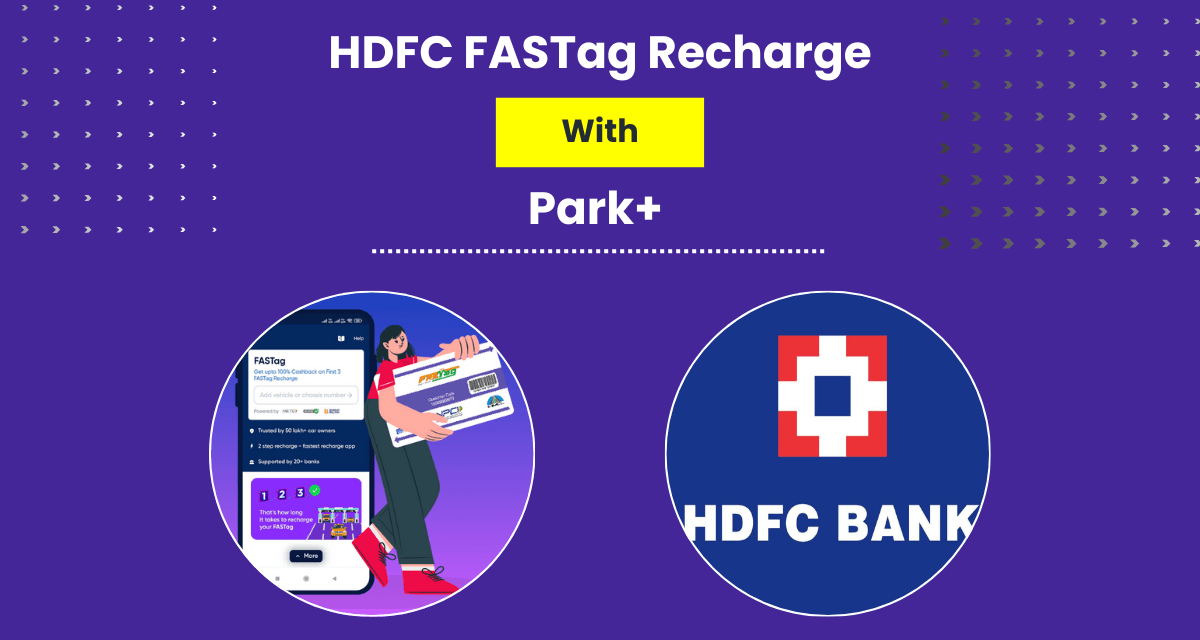
With the Park+ App
Install the Park+ app through the play store or app store.
On the Park+ app, you need to go to services.
Enter your vehicle's registration number. Park+ will match the bank with the FASTag of your vehicle.
Click 'Pay' after entering the amount of the recharge. And it's done!
Over the years, there has been a steady increase in the number of cars on the road. This leads to a lot of traffic congestion and especially in case of emergencies where time becomes the most critical factor. FASTag is the best solution to save time and money.