A vehicle being marked as blacklisted by the Regional Transport Office (RTO) can create unexpected challenges for owners and buyers alike. Whether you own a vehicle or are planning to purchase a second-hand car or bike, understanding why a vehicle is blacklisted and how to check its status can help you avoid legal issues, prevent delays in RTO services, and make informed decisions before buying or selling a vehicle.
In this guide, you'll learn what a blacklisted vehicle is, the common reasons for blacklisting, how to check a vehicle blacklist status and the steps to remove the blacklist.
What is a blacklisted vehicle?
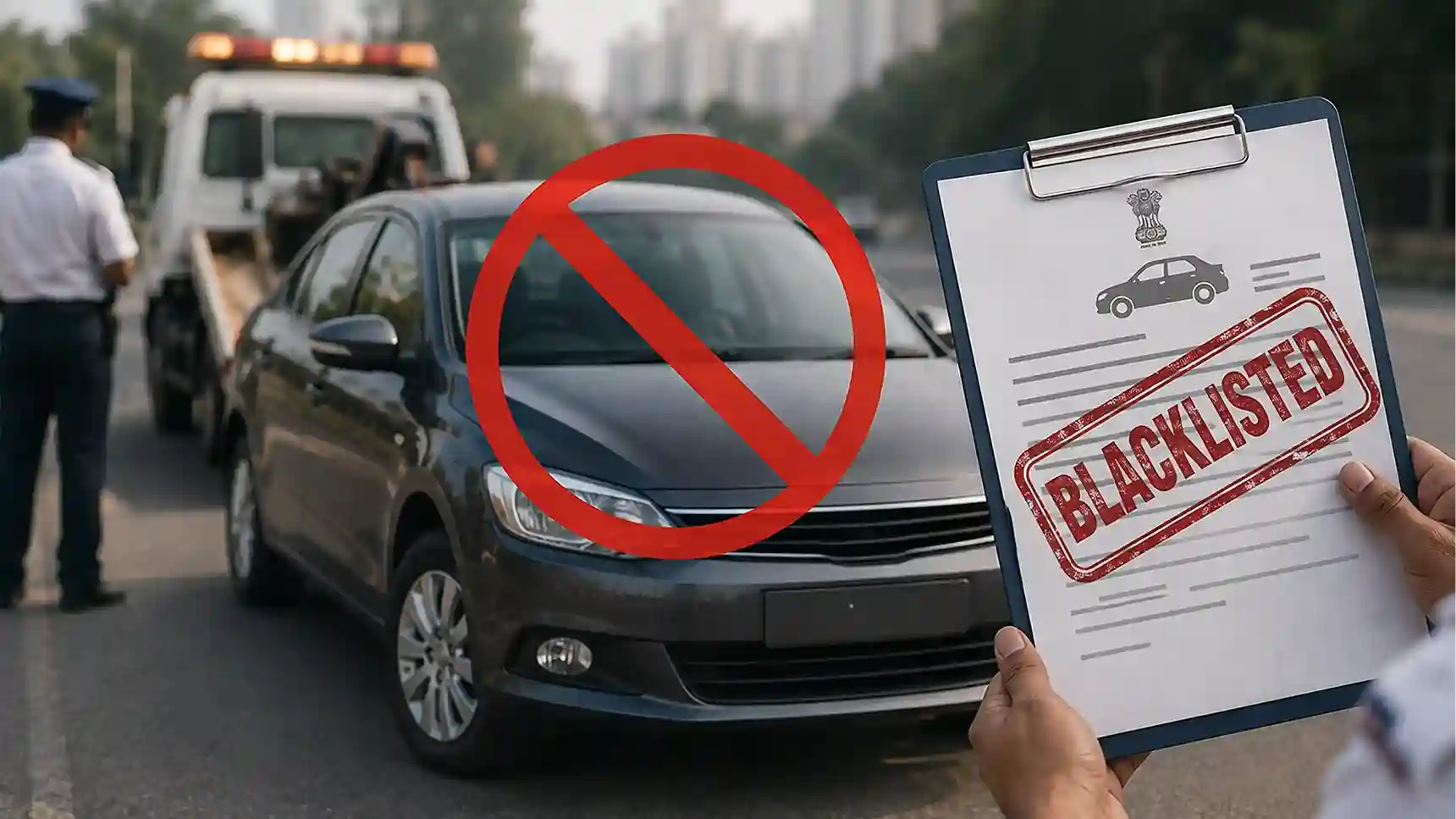
A blacklisted vehicle is a vehicle that has been flagged by the Regional Transport Office (RTO) or another authorised transport authority because of unresolved legal, financial, or regulatory issues. When a vehicle is blacklisted, certain RTO services may be temporarily restricted until the issue has been resolved.
The vehicle is flagged as not to be transacted (NTBT), meaning the RTO temporarily restricts certain registration-related services. The NTBT status is governed strictly under Rule 167 of the Central Motor Vehicles Rules (CMVR), 1989. Until the underlying issue is resolved, services such as ownership transfer, NOC issuance, registration updates and other online RTO transactions may remain unavailable A blacklist does not always mean the vehicle is permanently banned from use. Instead, it indicates that the vehicle has unresolved issues that require action before normal RTO services can resume.
Why is a vehicle marked as blacklisted?
A vehicle is not marked as a blacklisted vehicle without a valid reason. The Regional Transport Office (RTO) or other authorised authorities may blacklist a vehicle when there are unresolved legal, financial or regulatory issues.
Depending on the situation, the restriction may be temporary or remain in place until the issue is resolved.
Some common vehicle blacklist reasons include:
Unpaid E-Challans: Multiple unpaid traffic challans may result in an e challan blacklist, restricting certain RTO services until the dues are cleared.
Pending Road Tax: Failure to pay road tax or other mandatory transport charges may lead to the vehicle being blacklisted.
Outstanding Vehicle Loan: If a financed vehicle has repeated loan defaults, the lender may request the RTO to restrict certain vehicle-related transactions.
Police Investigation or Stolen Vehicle: Vehicles reported stolen or linked to an ongoing police investigation may be blacklisted to prevent unauthorised ownership transfer.
Fraudulent Registration Documents: Vehicles registered using forged or incorrect documents may be blacklisted, and in serious cases, the registration may also be cancelled.
Ownership or Legal Disputes: Court orders, ownership disputes or other legal matters may also result in an RTO-blacklisted vehicle status.
Why should you check a vehicle's blacklist status?
Conducting a vehicle blacklist check is an important step for both current vehicle owners and people planning to buy a used car or bike. It helps identify pending legal, financial or regulatory issues before they become costly problems.
A vehicle blacklist check helps you:
- Verify whether a used vehicle has pending legal issues
- Avoid purchasing a vehicle with transaction restrictions
- Check if unpaid challans are affecting vehicle services
- Confirm eligibility for ownership transfer
- Identify pending taxes or documentation issues
- Prevent delays during vehicle registration services
When should you check a vehicle's blacklist status?
It is advisable to check the blacklist status in the following situations:
- Before buying a used vehicle
- Before selling your vehicle
- Before applying for ownership transfer
- Before renewing permits or fitness certificates
- Before applying for an NOC
- If your vehicle-related application is unexpectedly rejected
- When multiple e-challans remain unpaid
- Before renewing vehicle insurance or completing major documentation updates
How to check vehicle blacklist status?
The Ministry of Road Transport and Highways provides an accessible digital portal to perform a comprehensive vehicle blacklist check using either a web browser or a mobile application.
Via the Parivahan e-Challan Portal
- Visit the official e-challan traffic portal at echallan parivahan website.
- Click on the Check Challan Status tab located on the dashboard.
- Enter your vehicle registration number and captcha code.
- View the challan details and the status displayed on the dashboard.
- If the vehicle is blacklisted, you may see an alert such as “Vehicle is Blacklisted – Contact RTO”.
If the portal displays blacklist status active, this means the vehicle currently has an active restriction, and certain RTO services may remain unavailable until the issue is resolved.
What details should you check during a vehicle blacklist check?
When you perform or review the Vahan blacklist details, make sure to verify the following information:
Blacklist Reason: Check the exact reason why the vehicle has been blacklisted, such as unpaid challans, pending taxes, legal disputes or other compliance issues.
Concerned Authority: Verify which authority has issued the blacklist, such as the RTO, traffic police, transport department or another authorised agency.
State of Blacklisting: If the vehicle has been blacklisted in one or more states, the portal may display the relevant state information.
Police or FIR Details (If Applicable): If the vehicle is linked to a criminal investigation or theft case, the available FIR or police case details may also be displayed.
What happens if my vehicle is blacklisted?
If your blacklisted vehicle has an active restriction, certain RTO services and vehicle-related transactions may not be available until the issue is resolved.
The impact depends on the reason for blacklisting, but you may face the following consequences:
RTO Services May Be Restricted: A blacklisted vehicle may not be eligible for services such as ownership transfer, registration updates, duplicate RC issuance, or hypothecation removal until the restriction is lifted.
Ownership Transfer Can Be Delayed: If you're buying or selling a used vehicle, the RTO may not process the ownership transfer while the vehicle remains blacklisted.
NOC and Other Approvals May Not Be Issued: Vehicles with an active blacklist may not receive a No Objection Certificate (NOC) or other approvals required for interstate transfer and certain registration-related services.
Legal and Financial Complications: If the vehicle has pending taxes, unpaid challans, ownership disputes or is linked to a police investigation, these issues must be resolved before normal RTO services can resume.
Can you drive, sell or transfer a blacklisted vehicle?
A blacklisted vehicle may face restrictions on driving, selling, or completing RTO-related services, depending on the reason for blacklisting. If you find the blacklist status active in mparivahan or VAHAN database, it is advisable to resolve the issue before carrying out any vehicle transaction.
Can you drive it?
If it has been blacklisted due to serious issues such as unpaid road tax, expired fitness, court orders or criminal investigations, authorities may restrict its use. If stopped during an inspection, further action may be taken depending on the nature of the violation.
Can you sell or transfer ownership?
Generally, RTO blacklisted vehicle records cannot be transferred to a new owner until the blacklist is removed. The RTO may reject ownership transfer requests, making it difficult to sell the vehicle. No Objection Certificate (NOC) issuance may also be restricted for a blacklisted vehicle. If the vehicle has pending legal, financial, or compliance issues, you may need to resolve them first before applying for an NOC or initiating an interstate transfer.
How to remove a vehicle from the blacklist?
The process to remove a blacklisted vehicle depends on why it was flagged. Once the issue is resolved and verified by the concerned authority, the RTO updates the vehicle's status and removes the restriction.
Here are the most common situations:
Blacklisted Due to Unpaid E-Challans
- Check all pending challans on the Parivahan or Park+ portal.
- Pay the outstanding fines and keep the payment receipts.
- Submit the proof to the RTO if required and request blacklist removal.
Resolve police investigation or legal cases
- If the vehicle was blacklisted due to theft or a police case, obtain clearance from the police or court.
- Submit the clearance documents to the RTO to remove the restriction.
Blacklisted Due to Road Tax or Other Pending Dues
- Clear any unpaid road tax or transport-related charges.
- Keep the payment receipts for verification.
- The RTO will update the vehicle status after confirming the payment.
Clear loan or hypothecation issues
- Repay any pending vehicle loan, if applicable.
- Obtain a No Objection Certificate (NOC) from the lender.
- Complete hypothecation removal at the RTO before applying for blacklist removal.
Complete pending vehicle compliance
- Renew the fitness certificate, permit, or other expired documents, if required.
- Clear any penalties and submit the updated documents to the RTO.
Note: The time taken to remove a blacklisted vehicle varies depending on the reason for blacklisting and the verification process followed by the concerned RTO.
Documents required to remove blacklist vehicle status
When applying to remove a blacklisted vehicle status, keep the necessary documents ready. The exact requirements may vary depending on the reason for blacklisting, but the following documents are commonly required:
- Registration Certificate (RC)
- Identity and address proof such as Aadhaar Card, PAN Card, Voter ID, Driving Licence, or any other valid government-issued ID
- Valid vehicle documents like an active insurance policy, a PUC certificate
- Proof of payment for road tax, e-challans, or any other pending dues
- Bank NOC & loan closure letter (if applicable)
- Police clearance or court order (if applicable)
- Any additional documents requested by the RTO
Quick tips to avoid blacklisting of vehicle
You can reduce the chances of your vehicle being blacklisted by following these practices:
- Pay road tax before the due date.
- Clear traffic challans promptly.
- Renew insurance on time.
- Maintain a valid PUC certificate.
- Renew permits and fitness certificates as required.
- Update ownership records after purchasing a vehicle.
- Resolve finance-related documentation promptly.
- Check your vehicle status periodically on official government platforms.
- Follow traffic regulations to avoid repeated violations.
A blacklisted vehicle can restrict important RTO services such as ownership transfer, NOC issuance, and registration updates. By resolving dues on time, maintaining valid vehicle documents and regularly checking your vehicle's status, you can ensure hassle-free access to RTO services and avoid future restrictions.