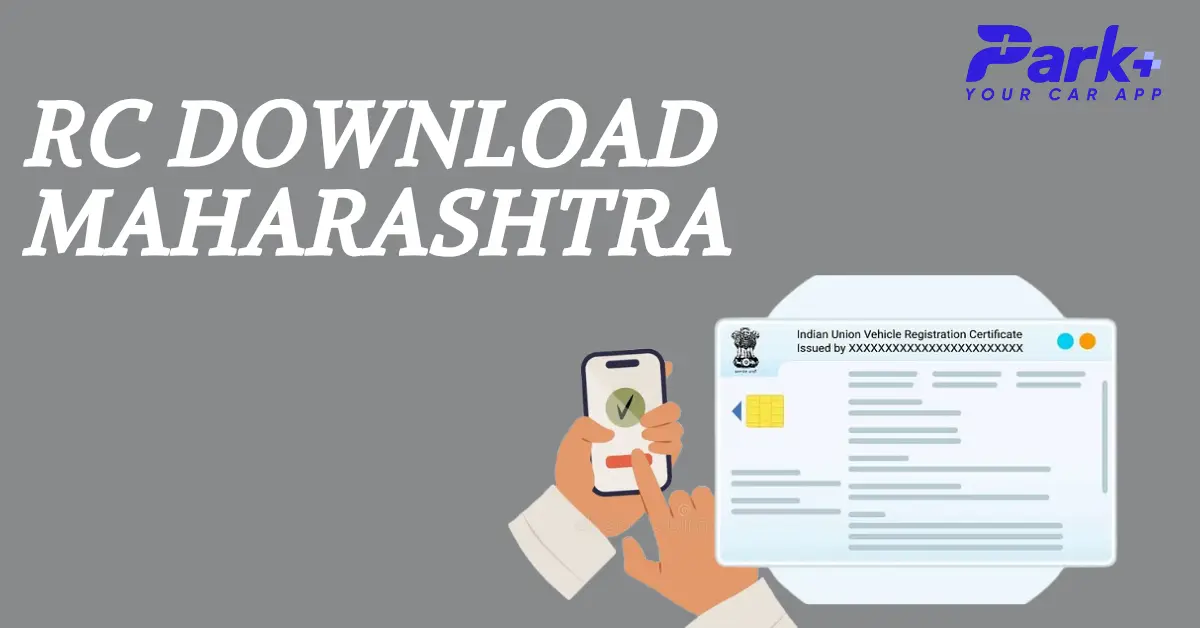
When you buy a vehicle for the first time, you must physically go to your nearest RTO office and register it. For new vehicles, the first registration is valid for 15 years. After the first 15 years, you must renew your Registration Certificate (RC) every 5 years.
The problem many people face regarding this process is missing the deadline for re-registration. As per extant laws, you must renew your registration within 60 days from expiry. But when you don't remember what happened long ago or were gifted a vehicle by someone else, you cannot file for re-registration at the right time.
Find Vehicle Details in Maharashtra
Let us now get down to the steps without further delay: First, you need to visit VAHAN, the official website, and follow the below-mentioned steps. You must have an account with the VAHAN portal to use its services.
The steps to create an account on the VAHAN portal include
- Go to the VAHAN services portal to access the citizen login.
- Use your mobile number and email address to create an account. You will also be required to create a password.
- This will successfully create a new account on the portal. You can check the vehicle details by logging into this account.
The steps to check the vehicle details using an already existing account include
- Go to the VAHAN services portal.
- Enter your mobile number followed by your password.
- After logging into your existing account, type in the license plate or RC number to get the necessary details.
You will find all details relevant to your vehicle registered with the Maharashtra RTO or any other RTO across the country.
Here's what you can see in the VAHAN portal
- Chassis number
- Date of registration
- Name of the owner
- Engine number
- Type of fuel
- Vehicle class
- Details of manufacturer and model
- Fitness duration of the vehicle
- Tax validity of MV or motor vehicle
- Certificate number of Pollution under Control or PUC
- Financier name
- Status of Registration Certificate
- Norms of Bharat Stage emission/vehicle emission standards
- Insurance details of the motor vehicle
How to check the car registration status on the Parivahan website?
You can go to the official website of the Ministry of Road Transport, and Highways called Parivahan to check your car registration status. You would want to do this when you have applied for registration but did not receive any confirmation yet. Through these steps, you'll be able to find out how far the application process has progressed.
- Visit the official Parivahan website.
- Select Vehicle-Related Services in "Online Services."
- Select "Maharashtra" under "Select State" to continue
- Click Proceed after selecting your RTO for vehicle registration.
- Click the Status tab. Next, select the option "Know your application status."
- Now enter your application number and click "Submit."
- Your vehicle application progress and other information will be displayed on your screen.
How to find details of vehicle registration via SMS?
It is imperative to note that it is possible to know the vehicle details via a simple SMS as well. You have to follow the below-mentioned steps to know the details of a vehicle by referring to its registration number.
- Type the word VAHAN registration number of the vehicle
- Send the SMS to 7738299899
Checking vehicle registration details using Park+
The different steps involved are
- Download the app from Apple Store or Play Store.
- Choose the tab "Vehicle Search."
- Type in the number plate details. You will get several details like vehicle registration status, vehicle age, engine and vehicle model, insurance details, ownership details, etc.
- Type in the vehicle registration number to get details like PUCC, owner name, and address.
Conclusion
Registering your vehicle with the Road Transport Office is an important part of owning a vehicle. Driving a vehicle not registered with the department can be punished with fines and jail time. Registering the vehicle is a complex process and may take some time. This means you may need to check the status of the registration sometime. In some cases, people may also need to check other information related to their vehicles. All these can be easily done with the help of the Park+ app. Download the Park+ app today to learn more about RTO Maharashtra, including major RTO offices, their functions, challans, FASTag recharge, and much more.