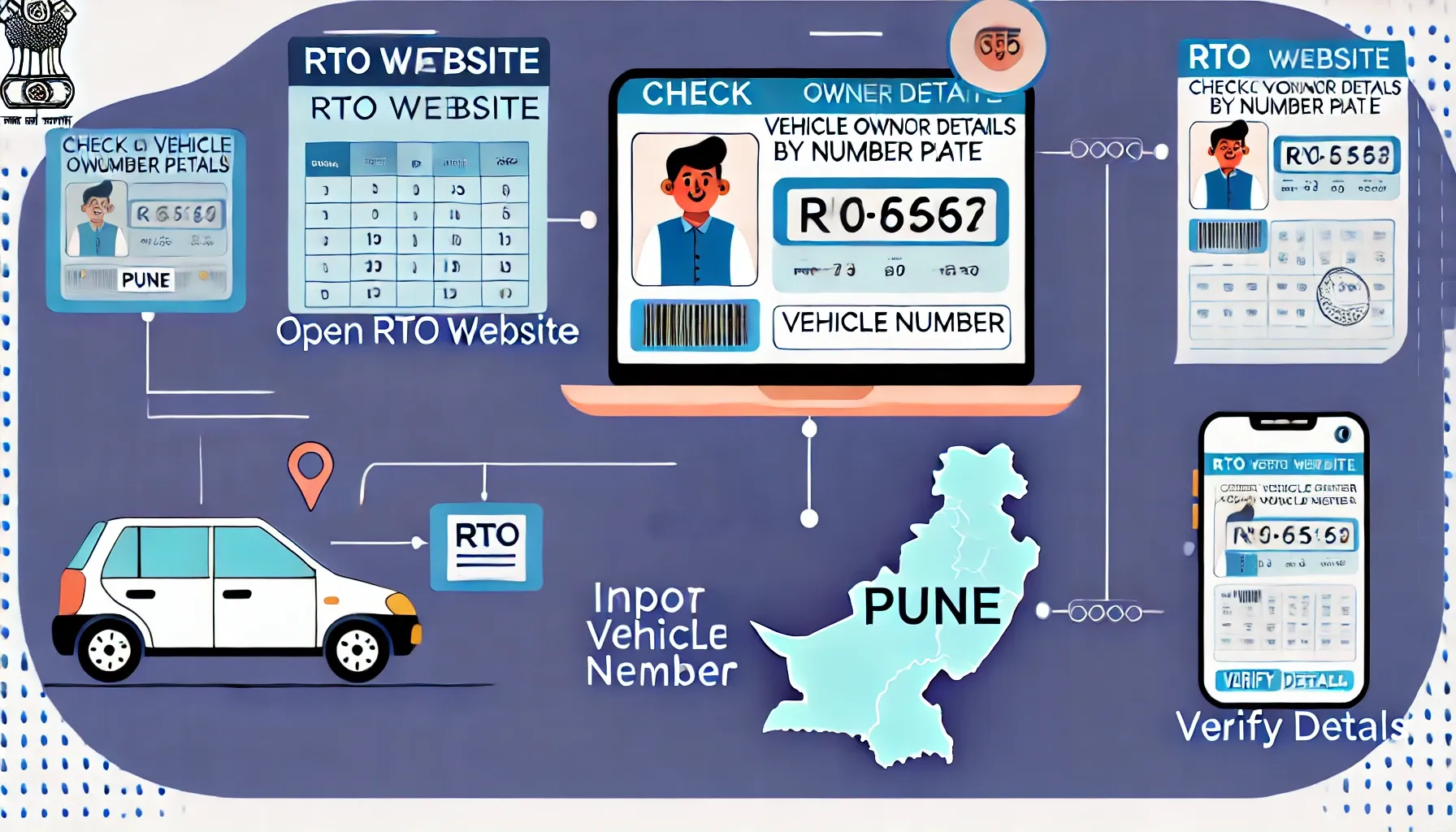
How to check Vehicle Owner Details by Number Plates Online in Pune
Owning a vehicle in Pune involves ensuring proper documentation, compliance with traffic laws, and staying informed about vehicle-related details. Whether you're checking registration details, insurance validity, or tracking traffic challans, this comprehensive guide will help you navigate the process with ease.
Pune, as a thriving urban hub, demands that vehicle owners remain compliant with local traffic and transportation regulations. Checking vehicle owner details is crucial for:
Regular checks also streamline processes at the Pune RTO and other Maharashtra RTO offices, making vehicle management hassle-free.
Here’s how you can check vehicle owner details online:
The VAHAN portal, maintained by the Ministry of Road Transport and Highways, is a centralized platform for accessing vehicle details. Here's how to use it:
vahan.nic.in and navigate to the "Know Your Vehicle Details" section.Enter Vehicle Registration Number
Input the complete vehicle number plate (e.g., MH12AB1234) in the required field.
Captcha Verification
Solve the captcha and click on "Search Vehicle."
Access Information
The platform provides essential information, including:
For additional services or support, you can also explore resources at Maharashtra RTO.
The Park+ app or website offers a faster and more user-friendly experience for accessing vehicle-related information. Here’s how you can use it:
The app also helps you stay updated on your Pune Challan status to avoid unexpected penalties.
Monitoring traffic challans is vital to ensure compliance with Pune’s traffic regulations. Here’s how to check:
Visit the Pune Traffic Police Challan Portal
Open the official Pune Traffic Police or Maharashtra Challan website.
Enter Required Details
Use your vehicle registration number or driving license number to search for pending challans.
Captcha and Search
Solve the captcha and click on "Submit" or "Search."
Review Challan Status
The system displays:
Staying informed about your vehicle’s status provides several advantages:
Checking vehicle owner details by number plate in Pune is now easier than ever, thanks to digital platforms like VAHAN, Park+, and Pune Traffic Police’s online portal. By regularly monitoring your details, you ensure compliance with traffic regulations and enjoy hassle-free vehicle ownership.
Yes, platforms like VAHAN, Park+, and the Pune Challan portal allow you to check details online.
Visit the Pune RTO with supporting documents to request corrections.
Contact the traffic police department or check your status on the Maharashtra Challan portal.
Yes, the official VAHAN portal and authorized apps like Park+ ensure secure access to your vehicle data.